Your first video
If this is your first experience with Remotion, you will have the easiest time by generating some content using Agent Skills.
Make sure you have:
Set up a project.2
Opened your project in a coding agent. Popular ones are Codex, Claude, Cursor, Copilot, OpenCode or
Pi.
We like these initial prompts:
/remotion-createSee the videos in my downloads folder and put them on a timeline.
/remotion-createMake me a promo video for a record store
/remotion-createPlease add captions to my video: ~/Downloads/IMG_0001.mov
Preview your video
Ideally, your agent will open the Remotion Studio automatically, so you can preview your video. If not, simply run:
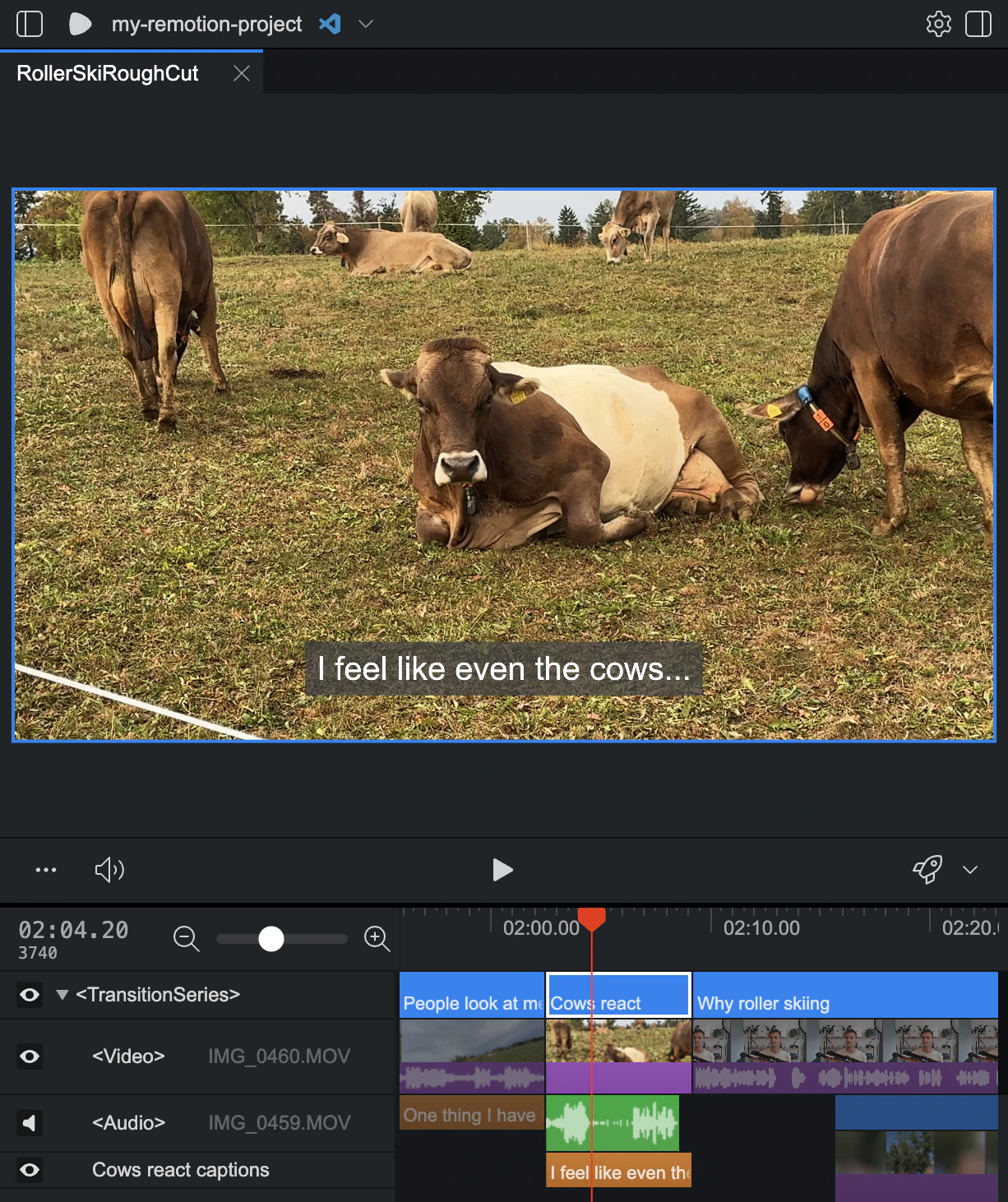
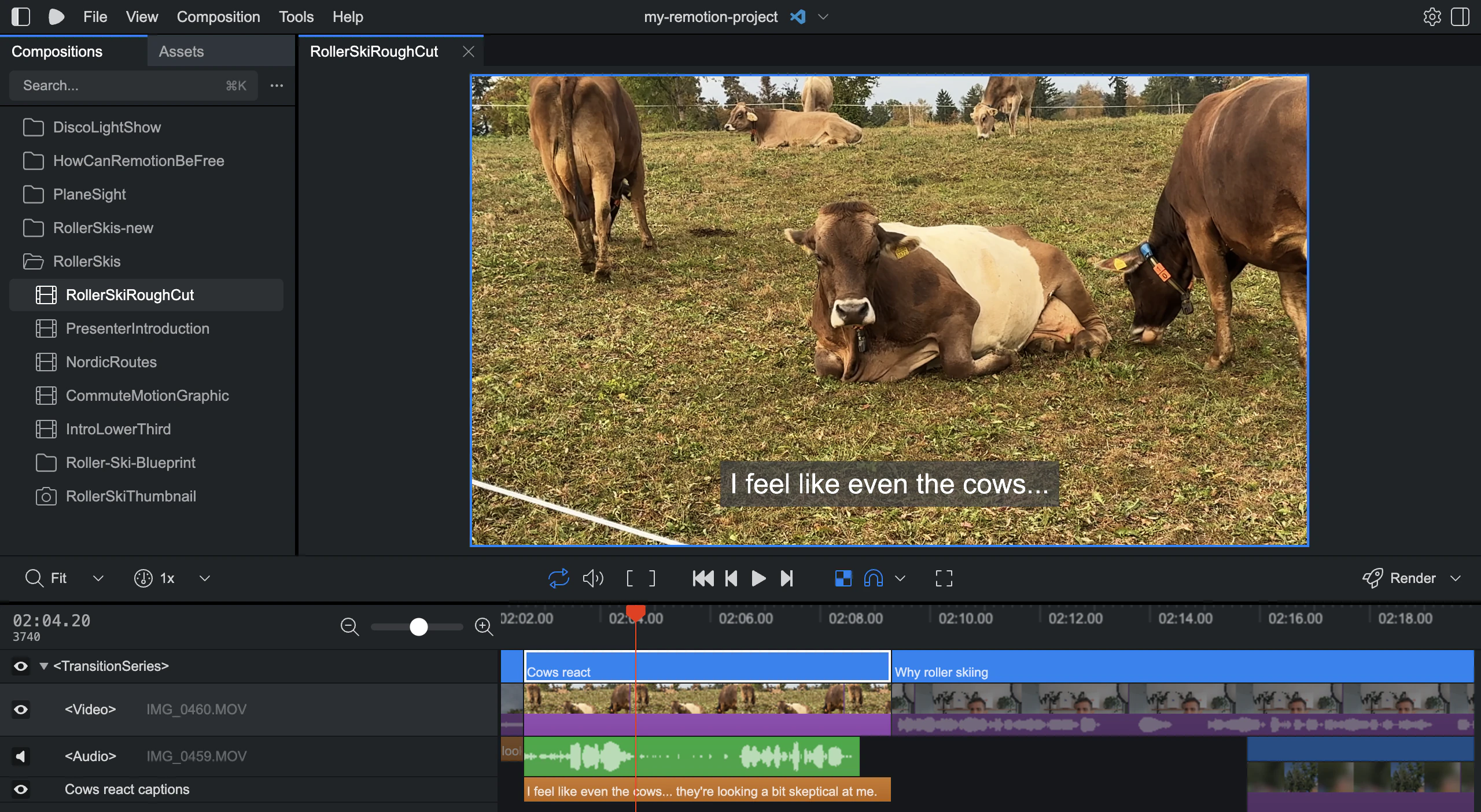
You now see an interactive preview of your video!
Next steps
Anything in Remotion can be edited in the Studio, with an agent or in code. Try:
- Selecting items and pressing to delete them
- Sending a follow-up prompt
- Clicking the editor icon at the top to edit the code.
If you are happy with the video, press to render, or do it with an agent.