---
image: /generated/articles-docs-timeline-index.png
title: Remotion Timeline
---
import {TableOfContents} from './TableOfContents';
# <Timeline>
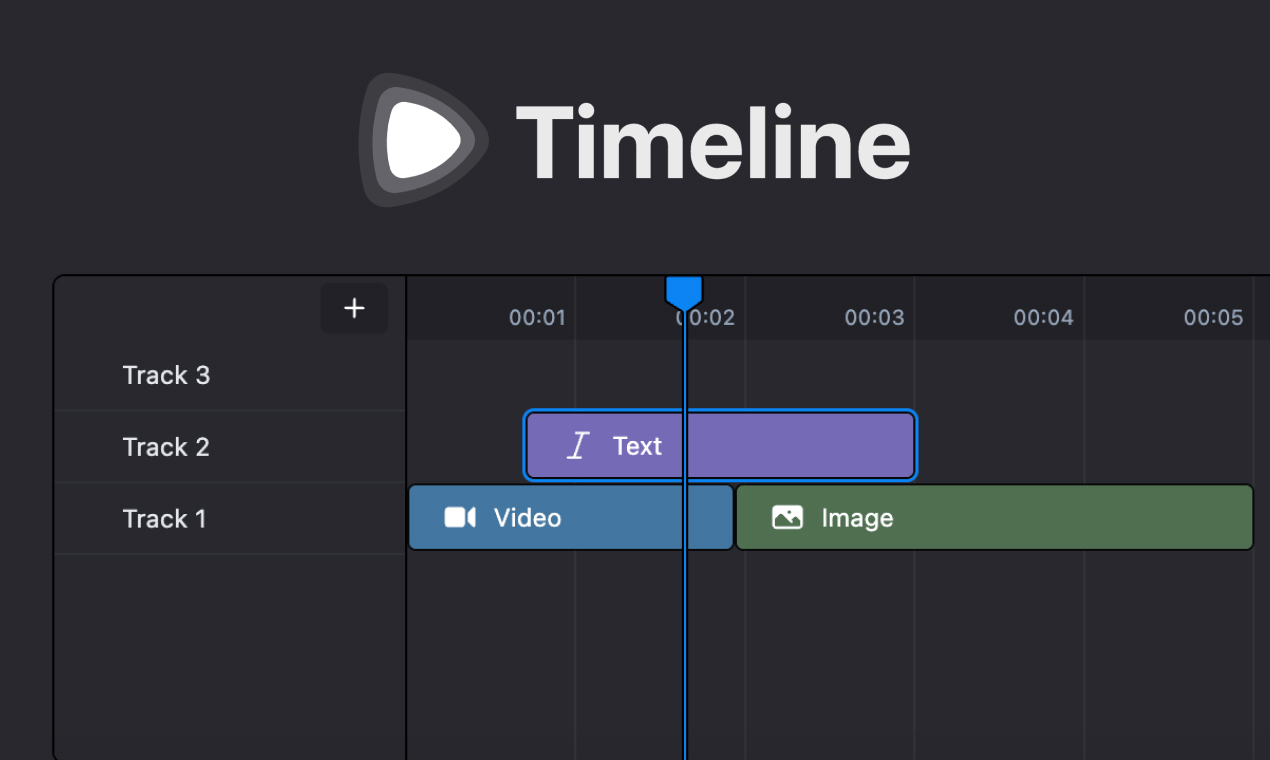
A paid customizable timeline component that integrates seamlessly with [Remotion Player](/docs/player).
It's perfect for builders who need a layer-based editing interface for their video editing app.
You can buy the timeline component on [remotion.pro](https://www.remotion.pro/timeline).
## Key Features
Interface:
- Multiple track support with drag-and-drop functionality (between and within tracks)
- Timeline item selection and manipulation
- Keyboard shortcuts for common actions
- `CanvasComposition` for rendering the timeline state in the Remotion Player
- Zoomable timeline and `` component to control the zoom level
Customization:
- Theming with variables (Tailwind CSS V4 and V3)
- Extensible state management
## License
The source code of the Remotion Timeline is governed by the [Remotion License](https://github.com/remotion-dev/remotion/blob/main/LICENSE.md) and [its own specific license](https://www.remotion.pro/timeline?tab=license).
- Remotion, as an underlying technology of the Remotion Timeline, is free to use for individuals and small companies. If you fall into this category, you can buy the Remotion Timeline as a one-time purchase. If you are a larger company, you must subscribe to the [Company License](/docs/license/pricing). Read the [Terms & Conditions](/docs/terms).
- The Remotion Timeline License [can be seen in the Remotion Store Page](https://www.remotion.pro/timeline) as well as accessible through the dedicated GitHub repository after purchase.