Effectsv4.0.464
Pixels of canvas-based components can be manipulated using effects.
Supported components
The following components support effects:
<Solid><HtmlInCanvas><Video><Img><CanvasImage><AnimatedImage><Gif><RemotionRiveCanvas>@remotion/shapescomponentsv4.0.474
Usage
Effects can be added programmatically, interactively or agentically.
Programmatically
Pass effects through the effects prop as an array of effect functions:
MyComp.tsximport {Video } from '@remotion/media'; import {blur } from '@remotion/effects/blur'; export constMyComp :React .FC = () => { return ( <Video src ="https://remotion.media/video.mp4"effects ={[blur ({radius : 40})]} /> ); };
Interactively
In Remotion Studio, first add an element that supports effects. Drag a video into the canvas, or add a <Solid> by right-clicking an empty space in the timeline.
Then drag an effect from the table of contents below into the element.
Agentically
Ask an agent with Remotion Skills installed to add an effect while following Remotion conventions:
Multipass
Multiple effects can be combined. They apply in the order they are specified.
Available effects
Color
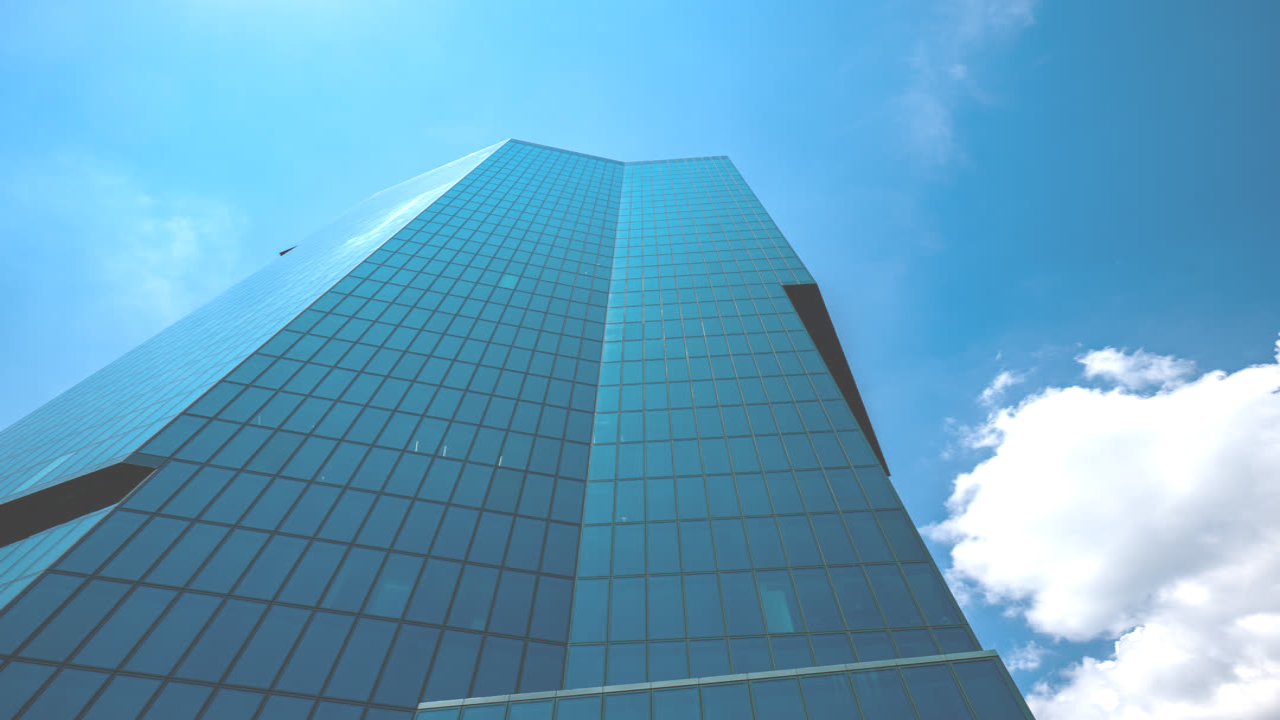
brightness()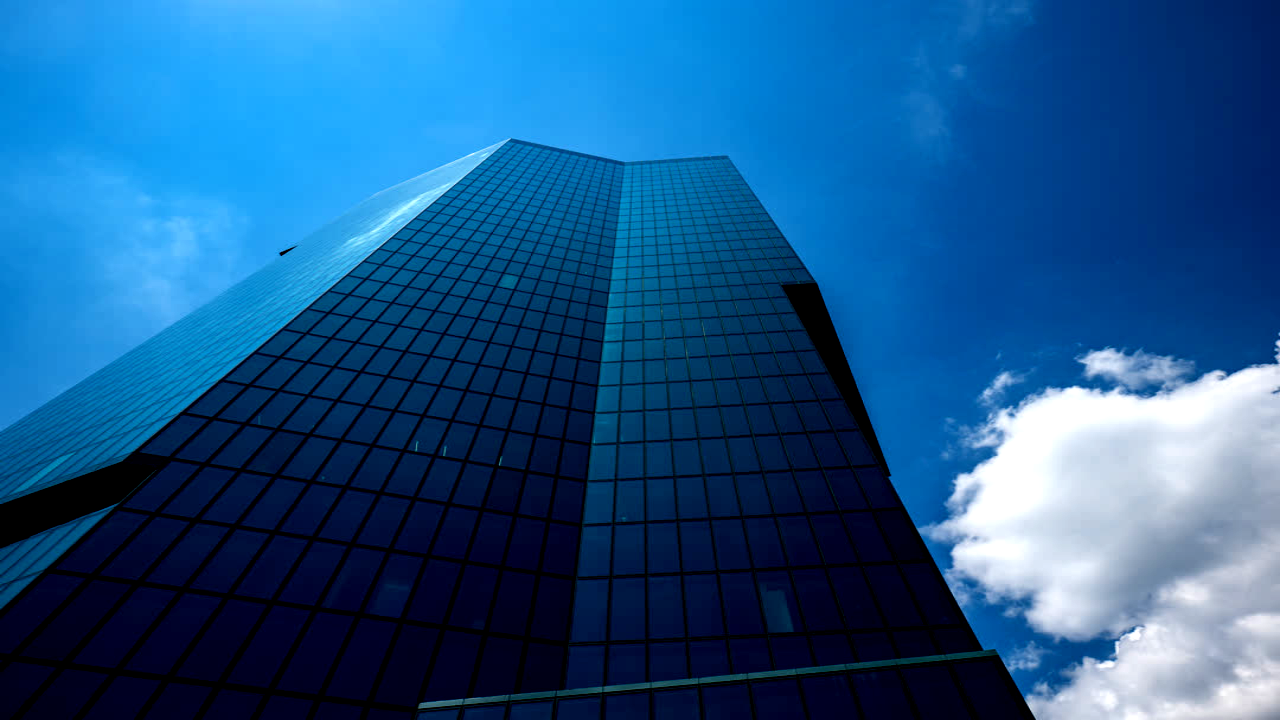
contrast()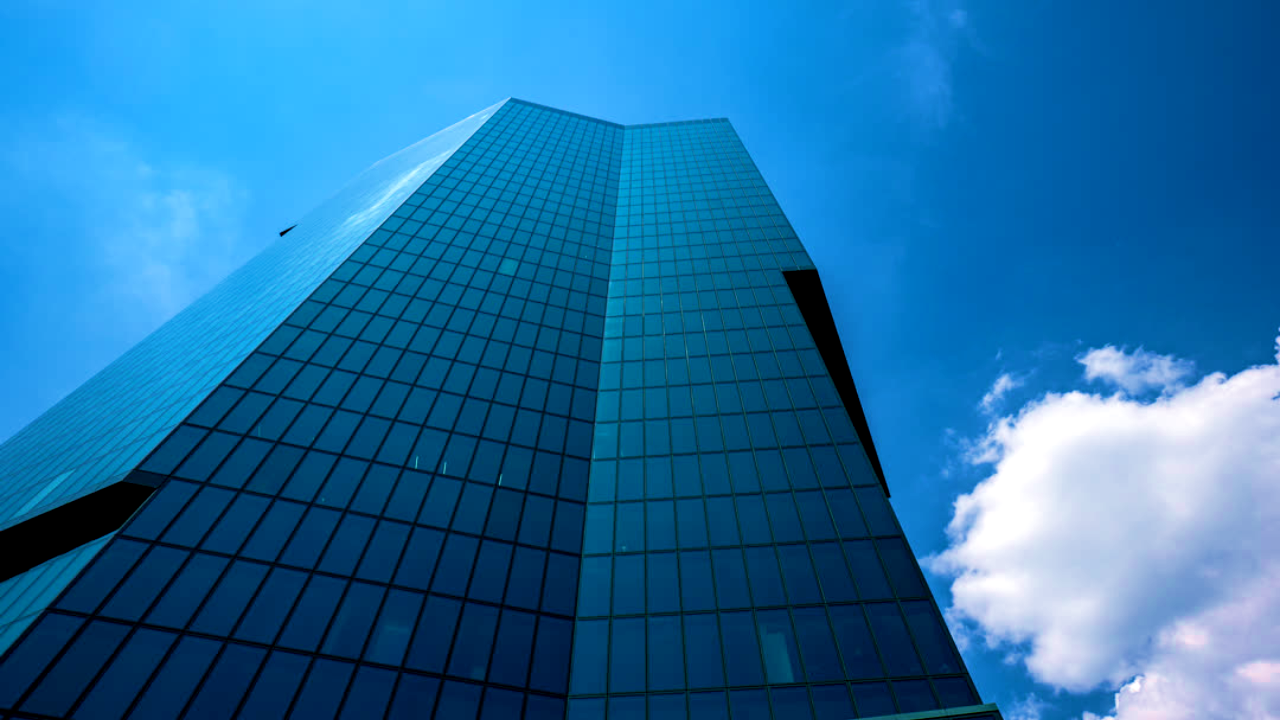
colorCorrection()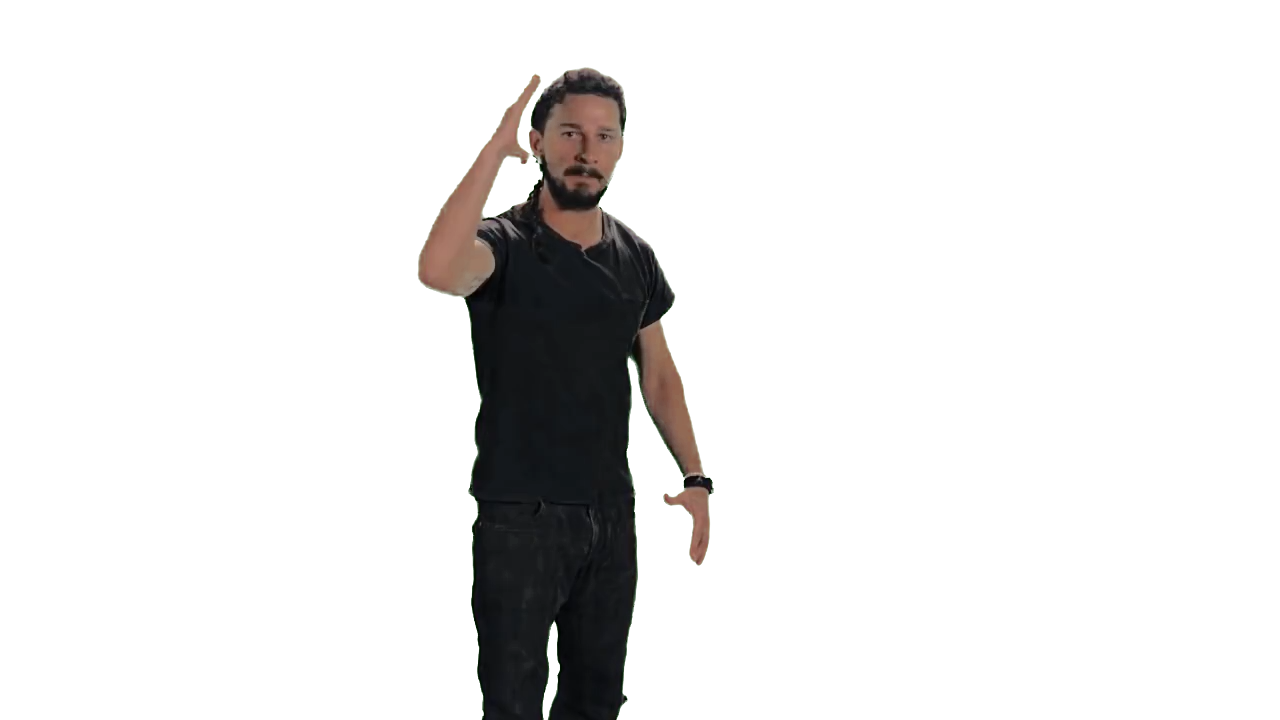
colorKey()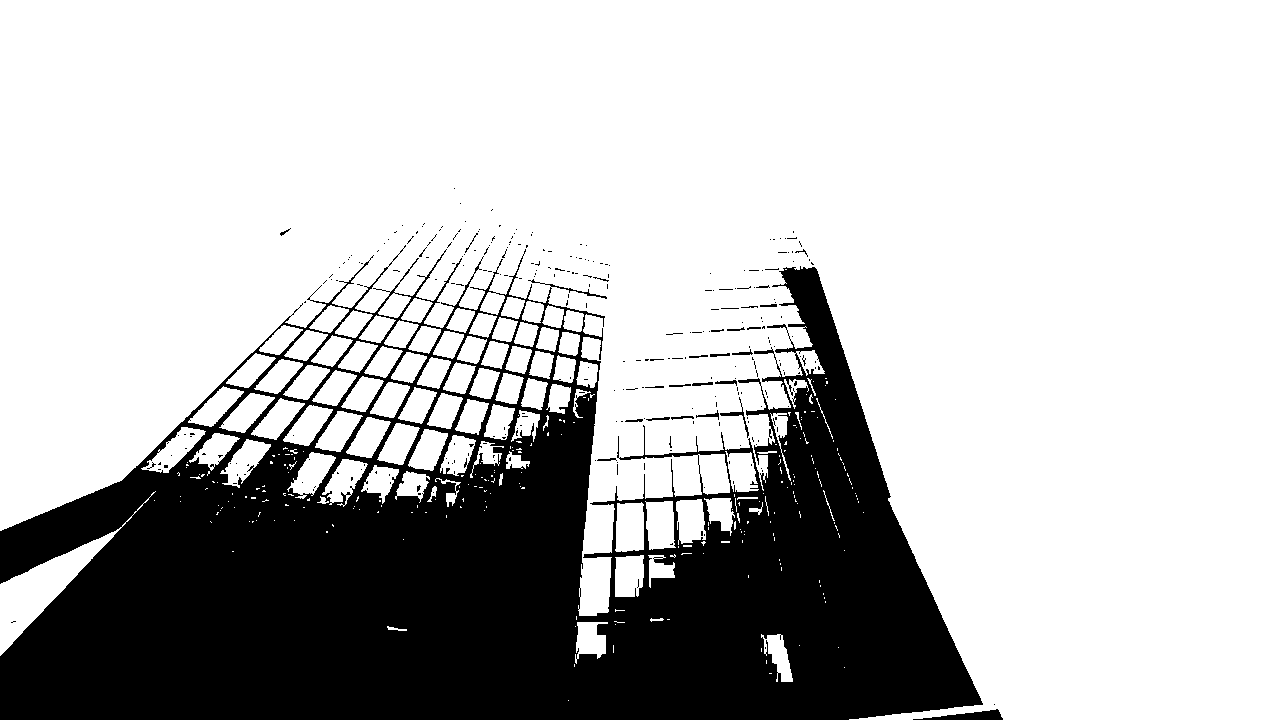
duotone()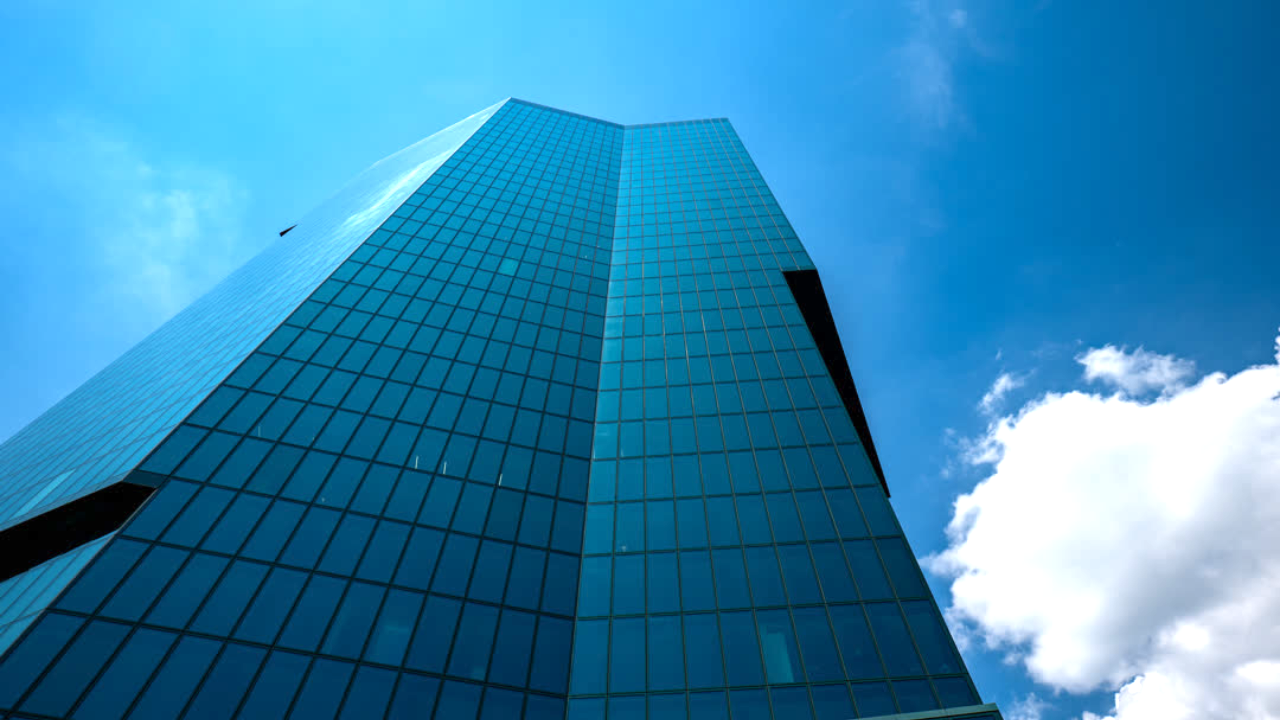
exposure()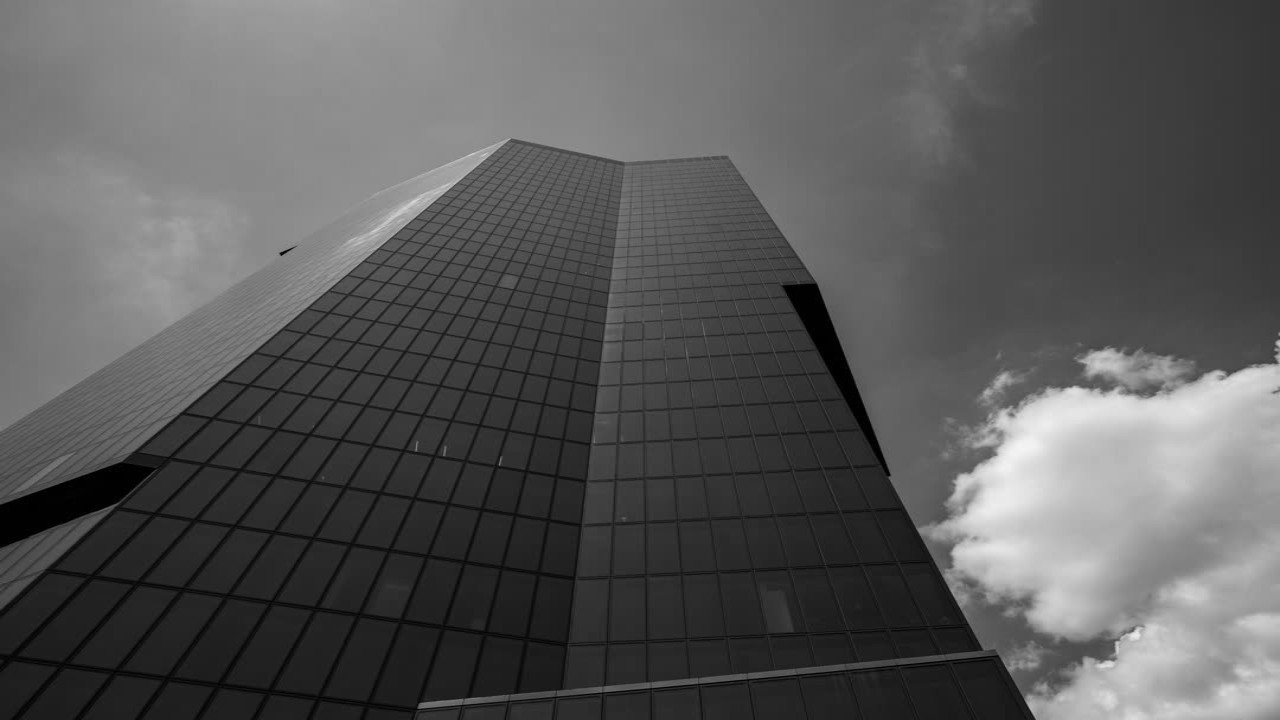
grayscale()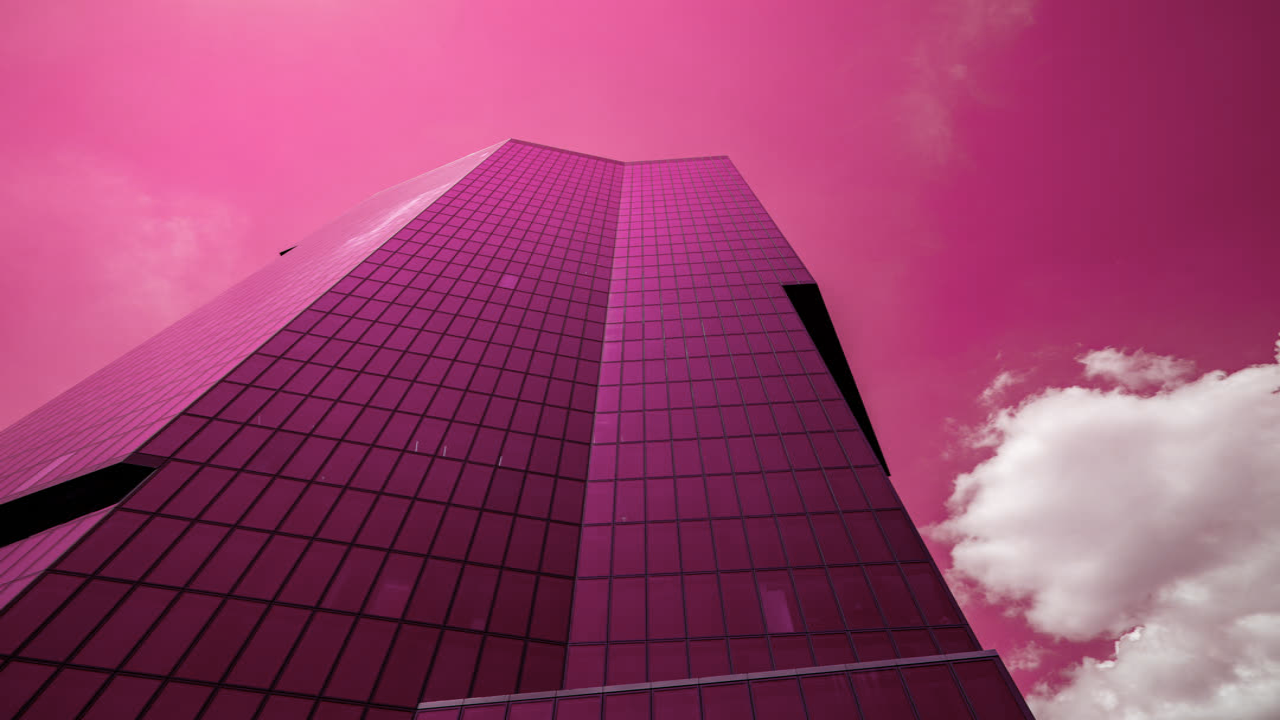
hue()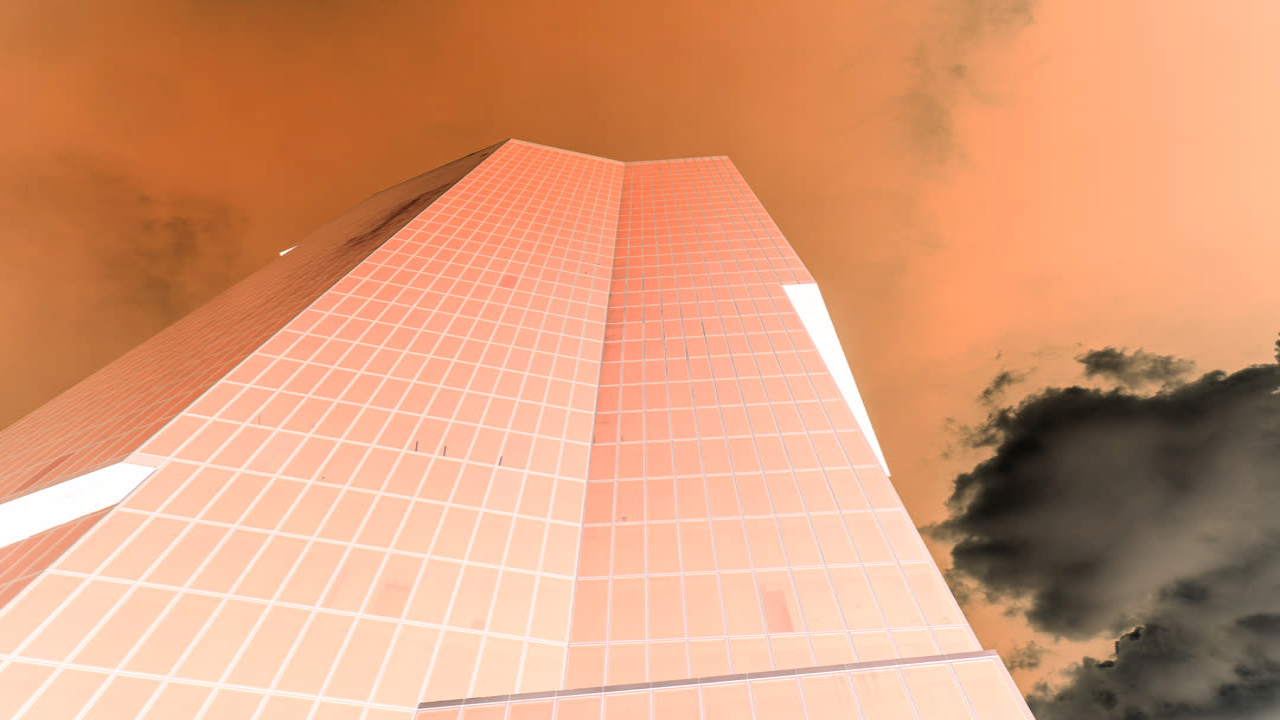
invert()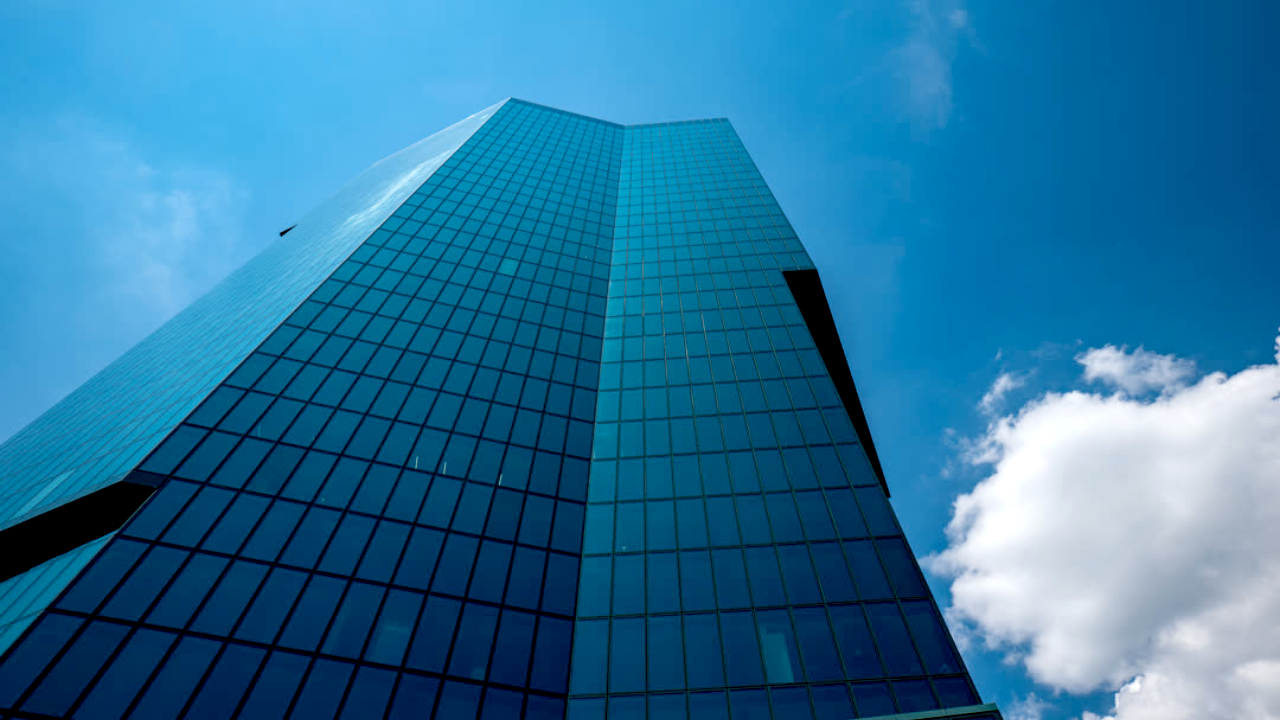
levels()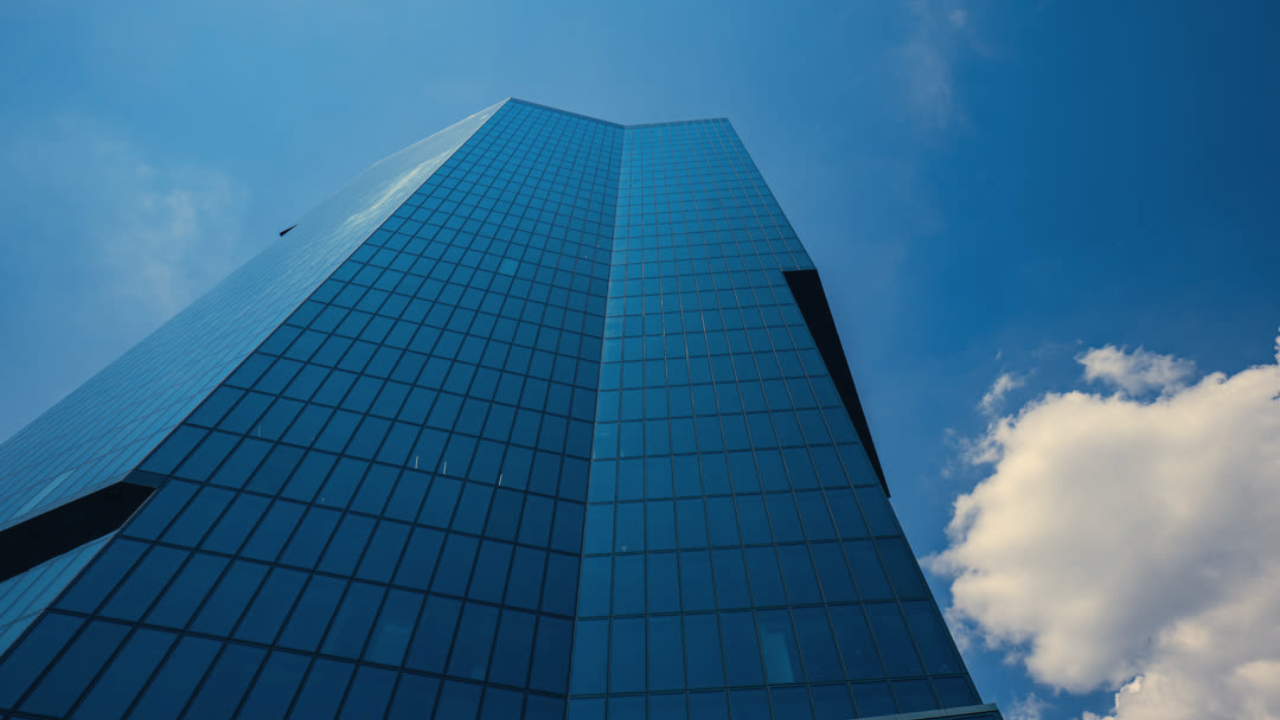
lut()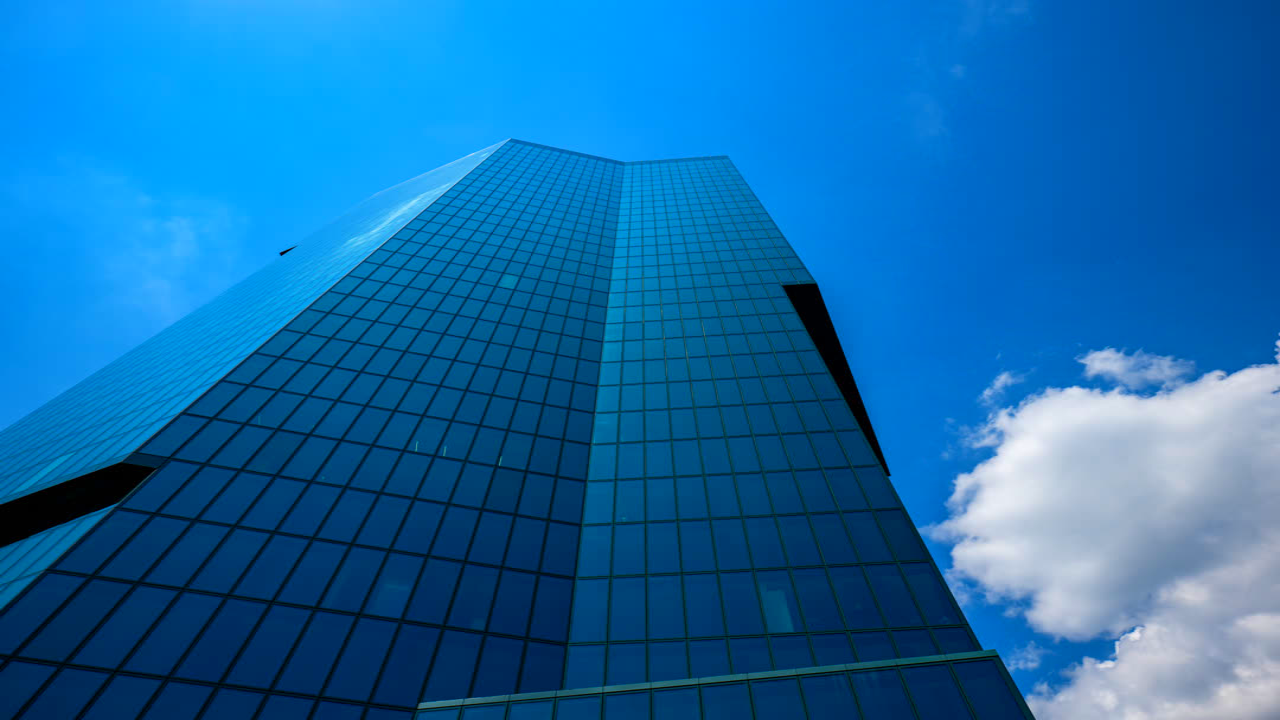
saturation()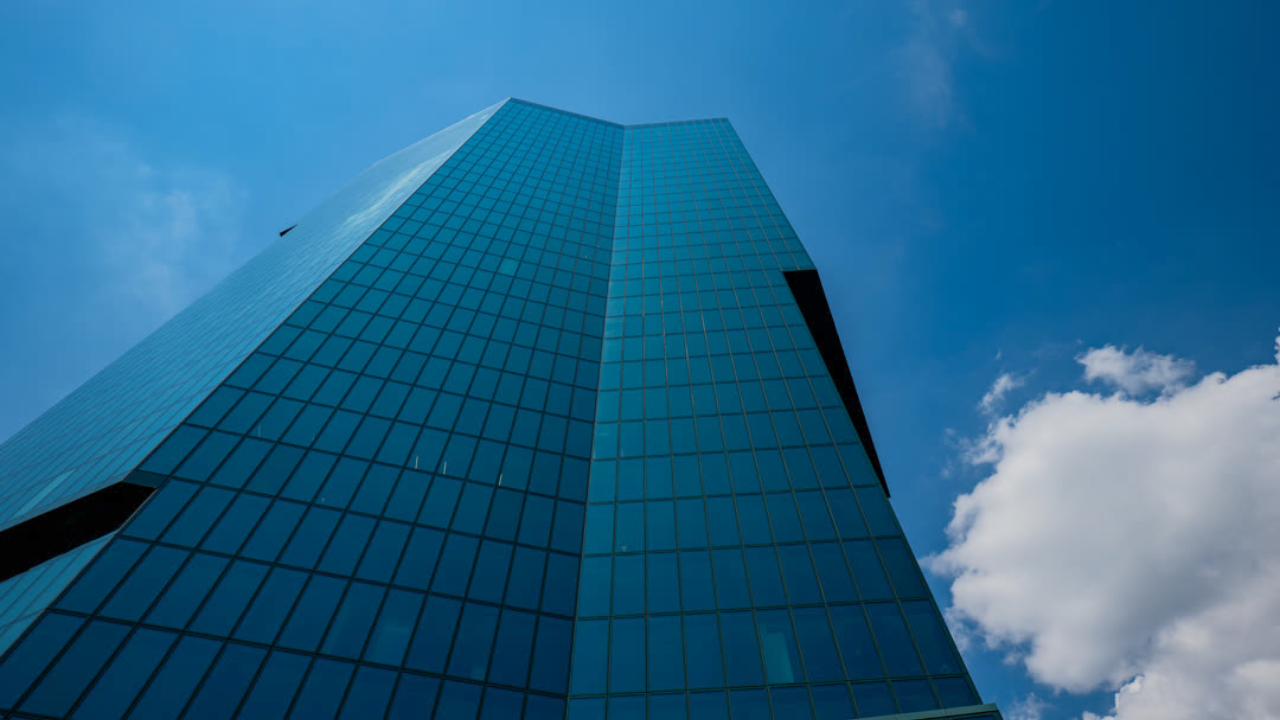
shadowsHighlights()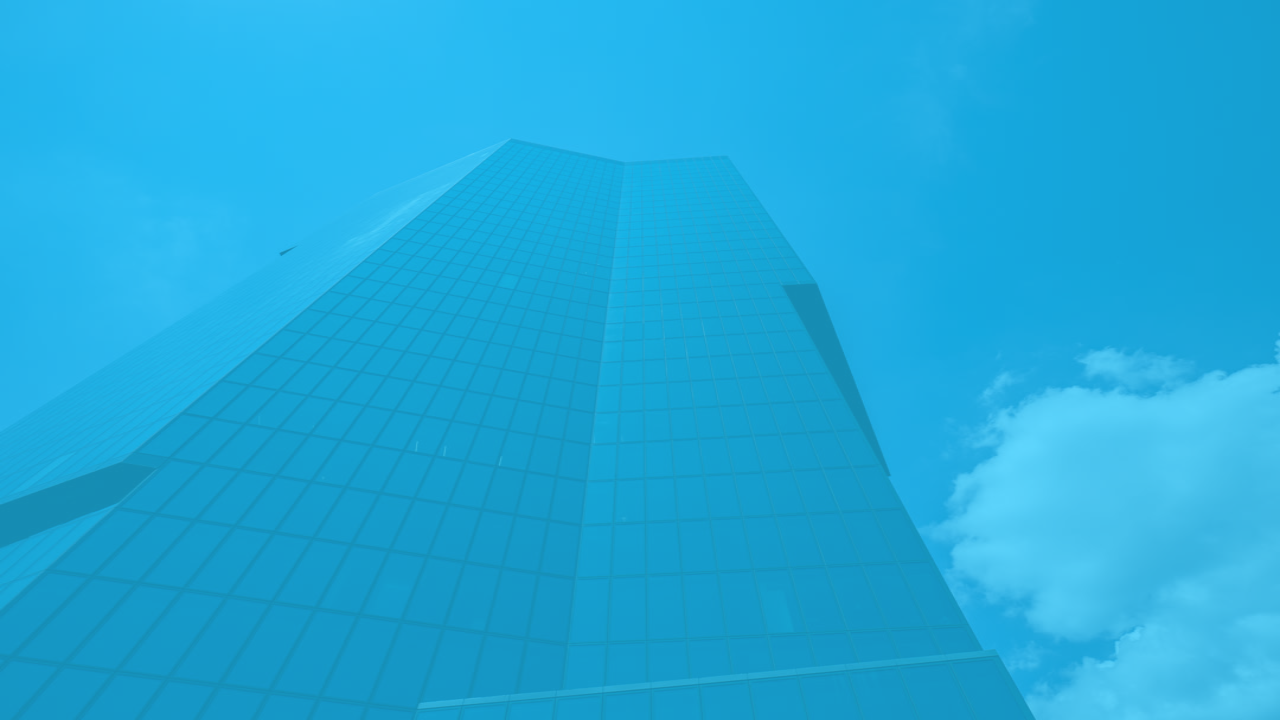
tint()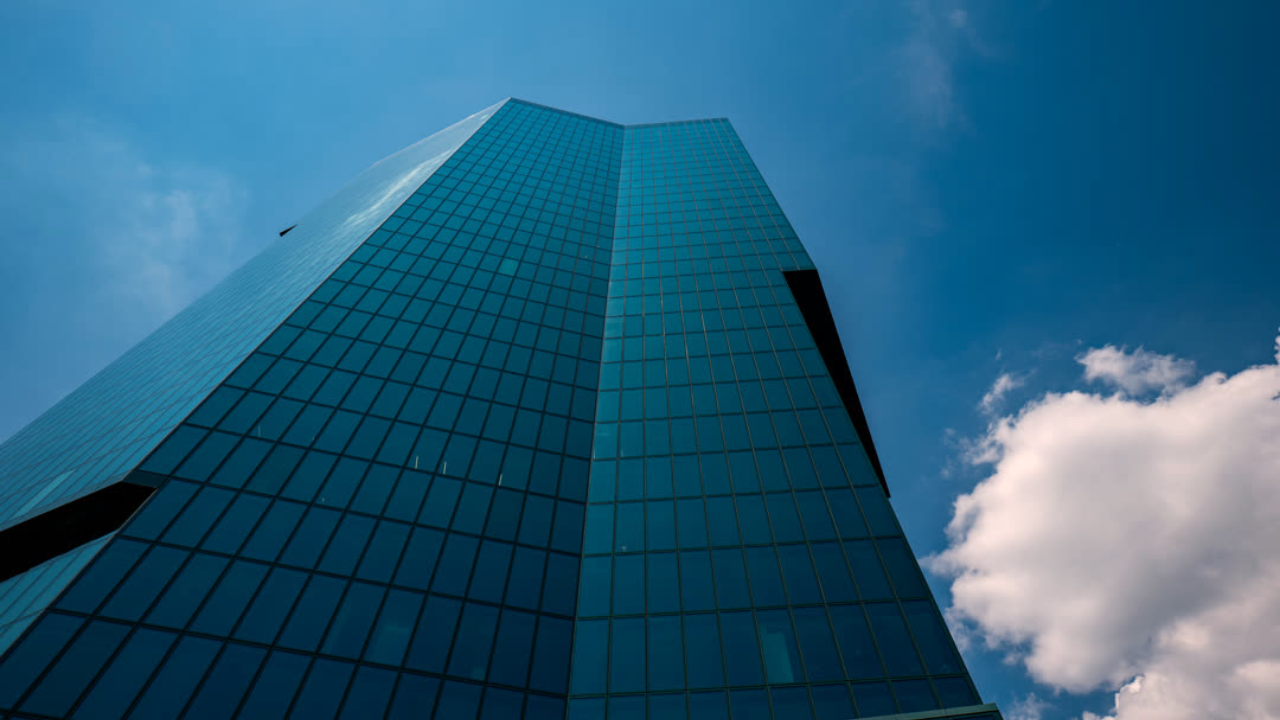
whiteBalance()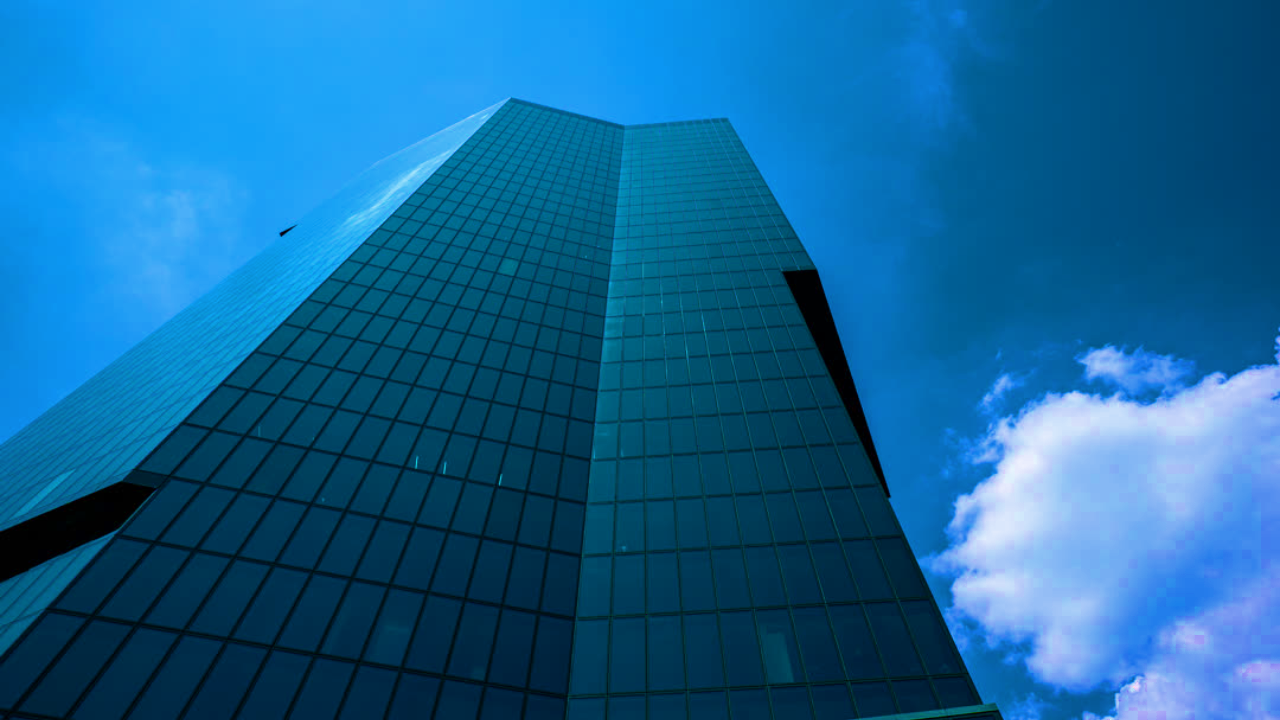
vibrance()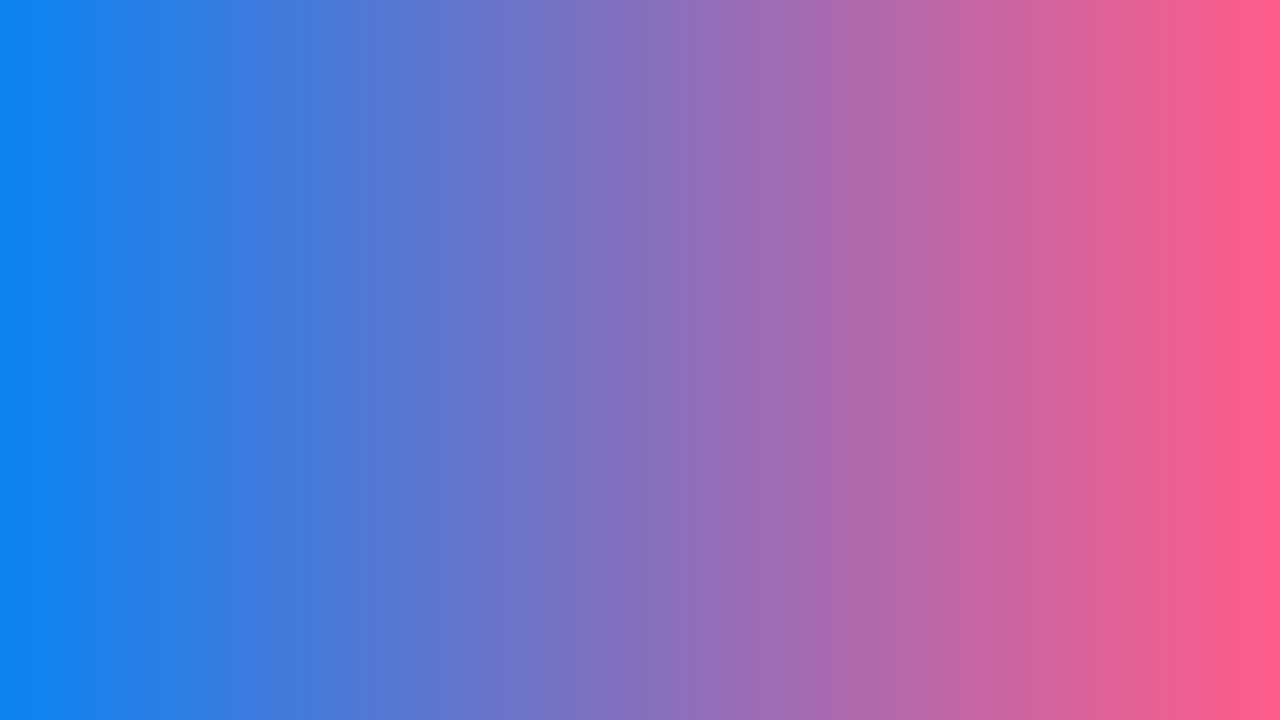
linearGradient()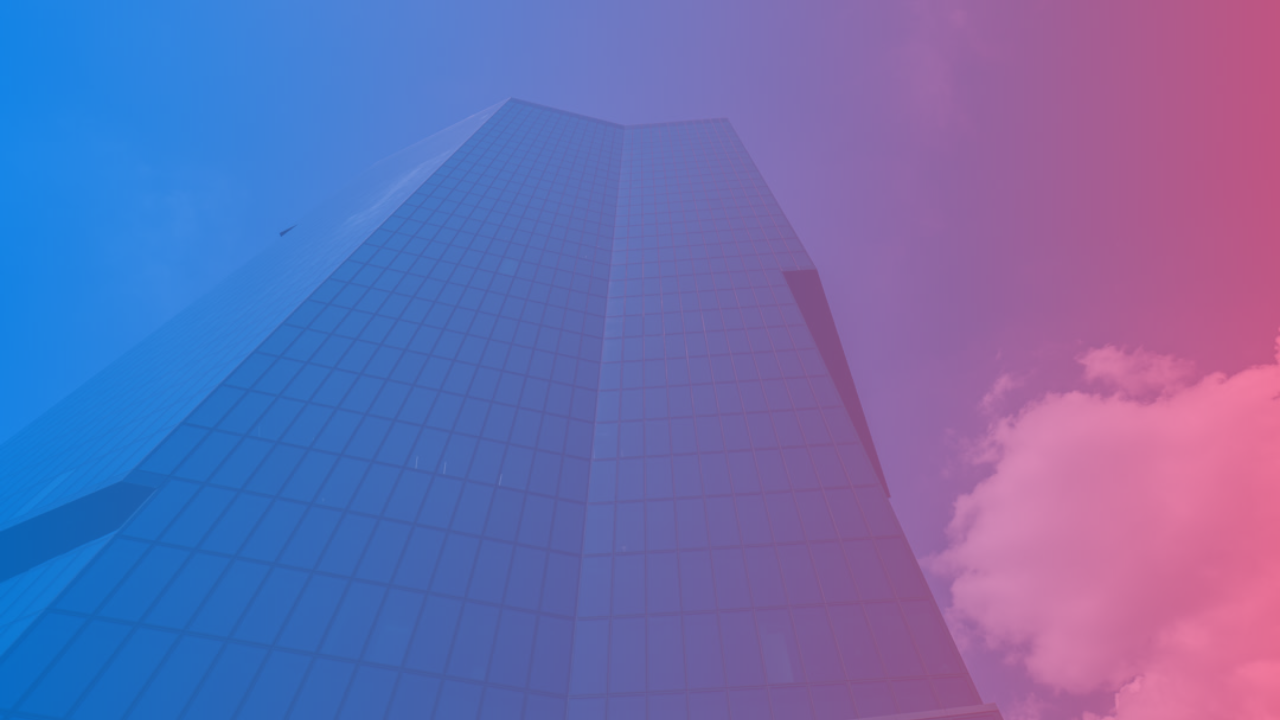
linearGradientTint()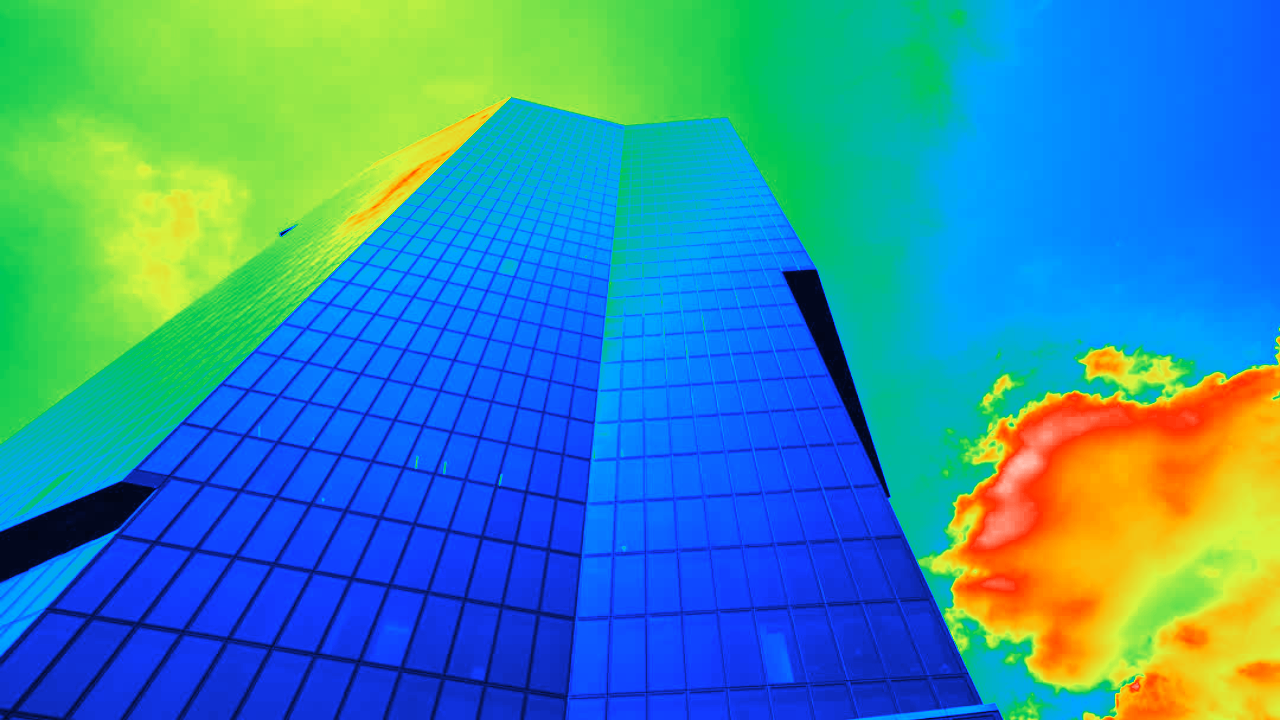
thermalVision()Blur & Shadow

blur()
linearProgressiveBlur()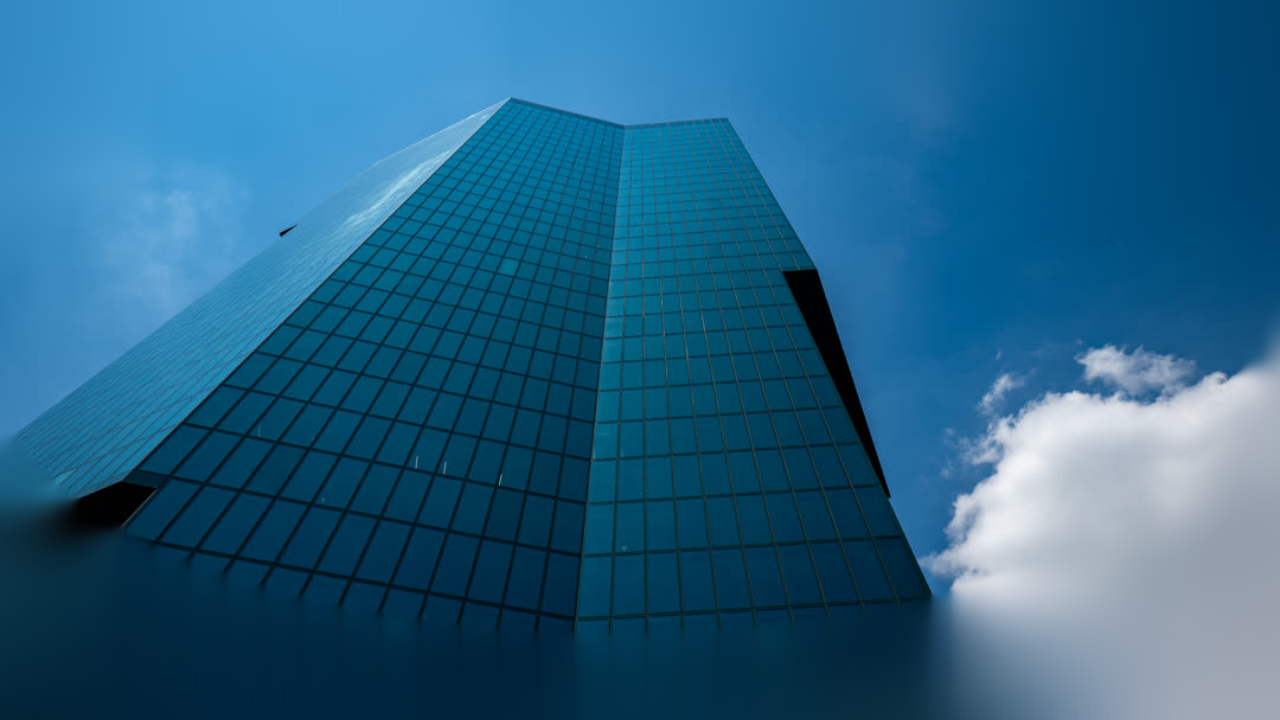
radialProgressiveBlur()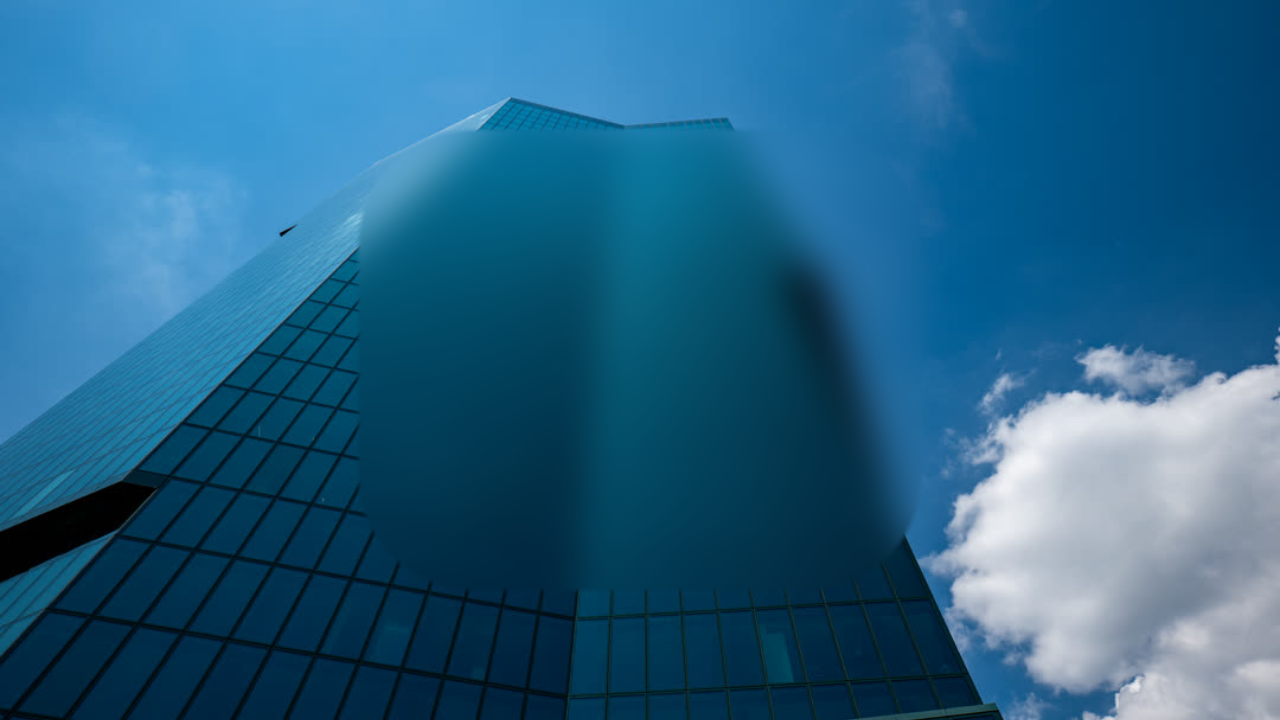
regionBlur()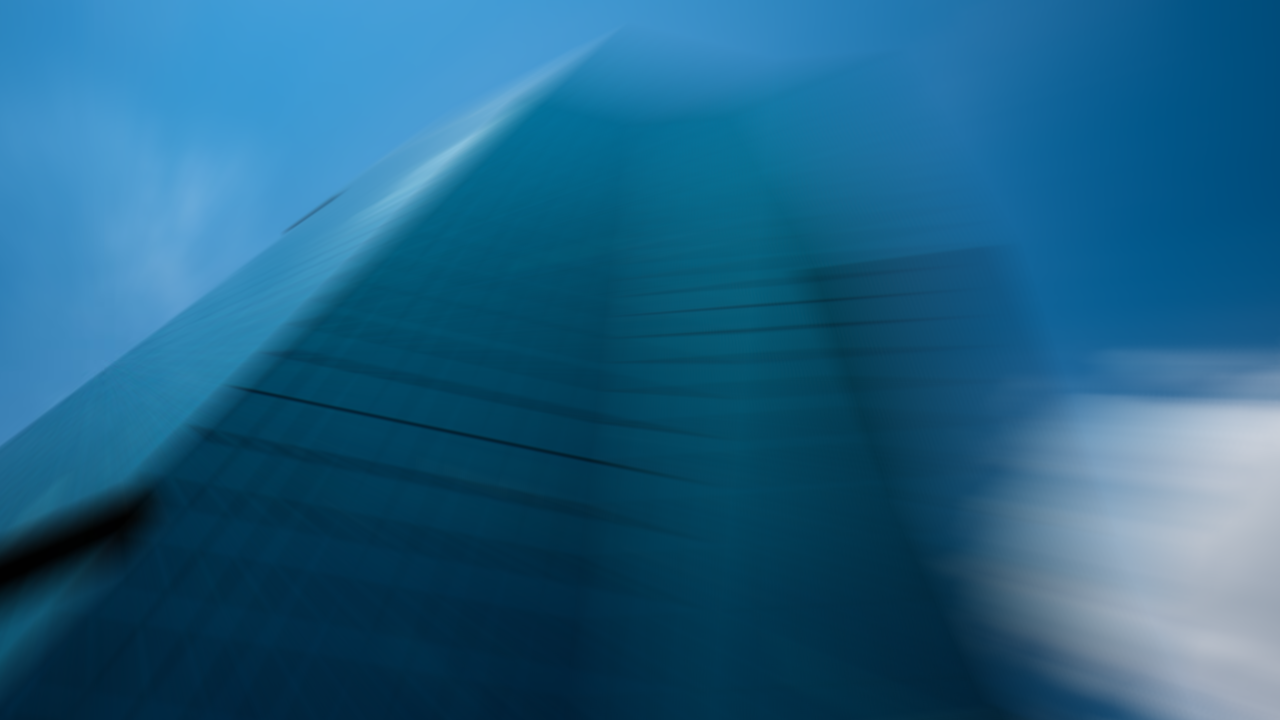
zoomBlur()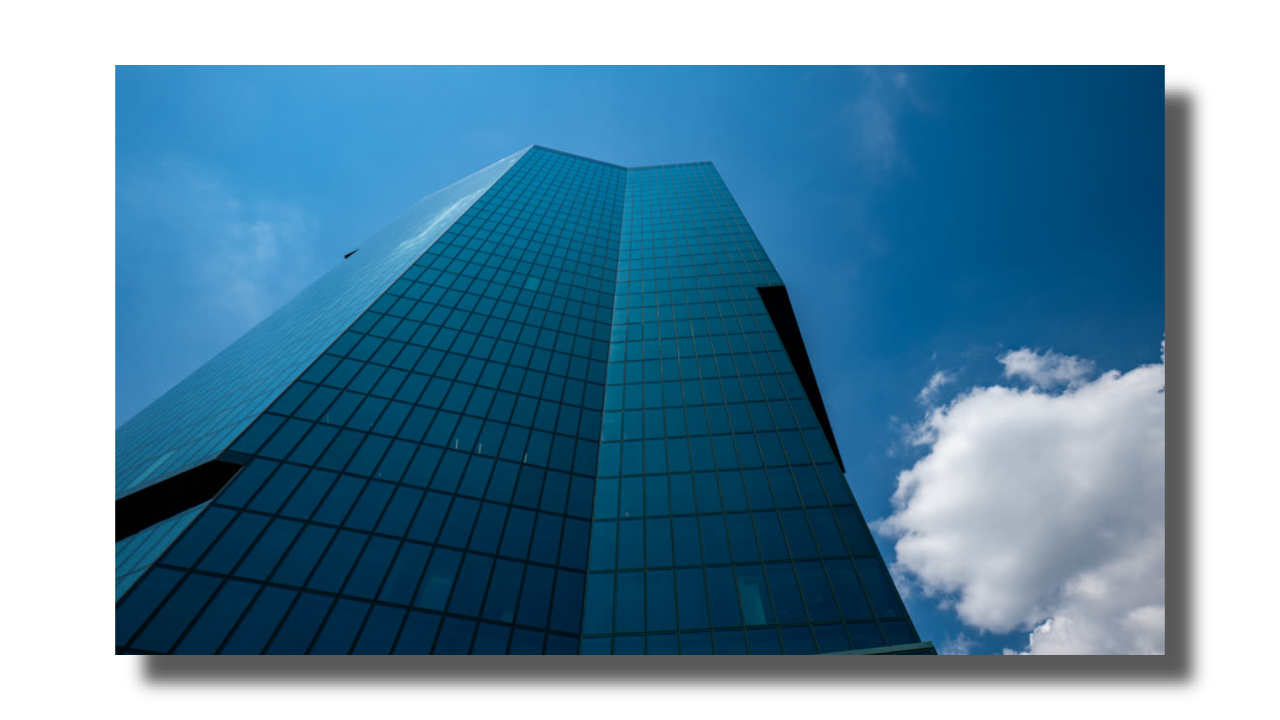
dropShadow()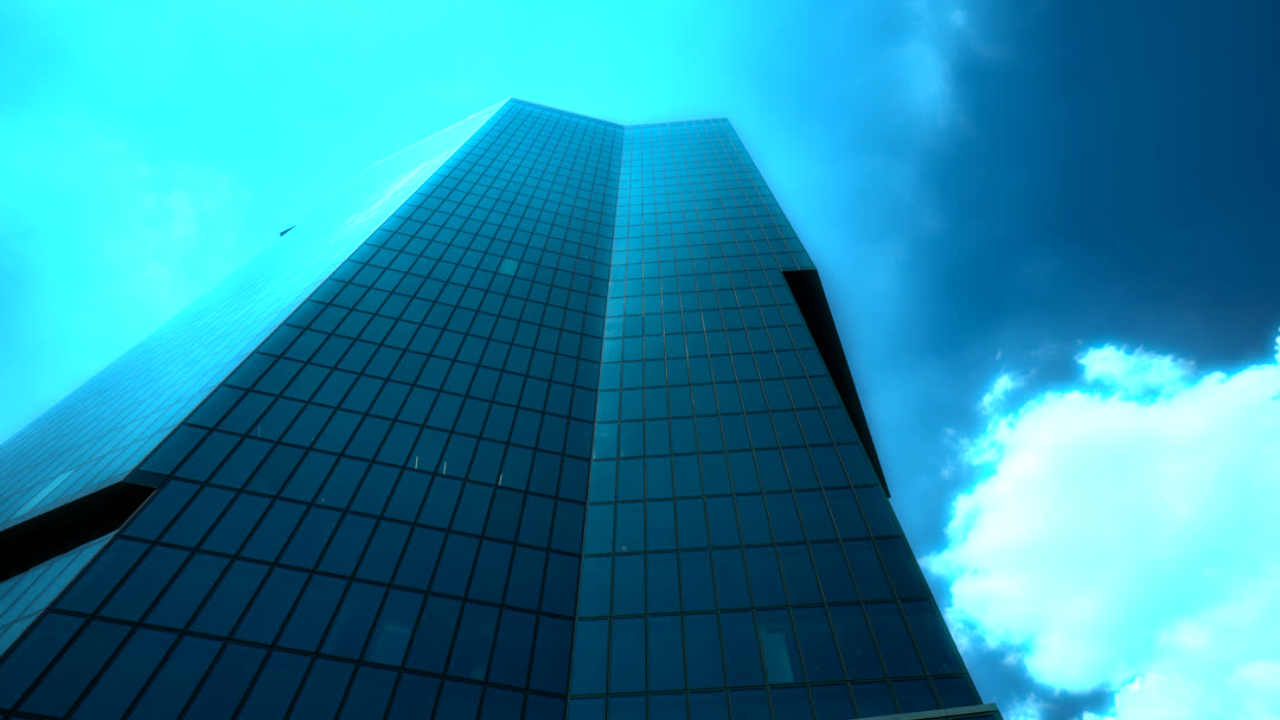
glow()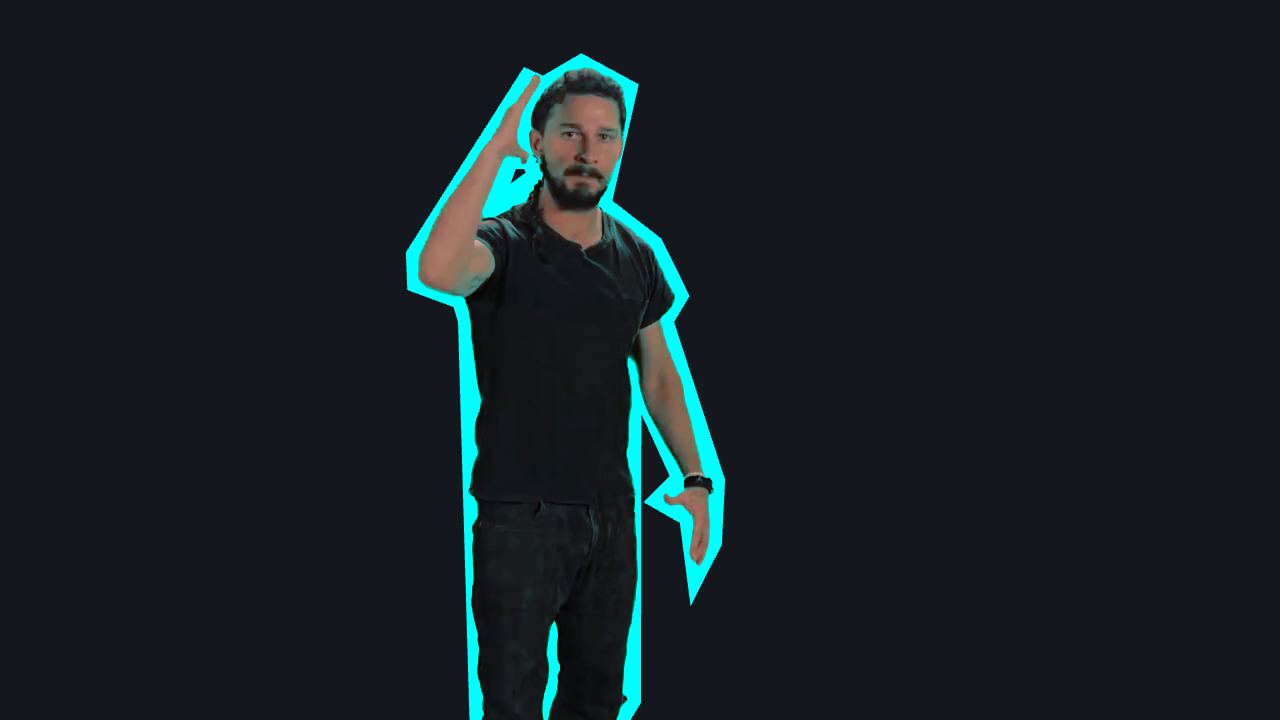
outline()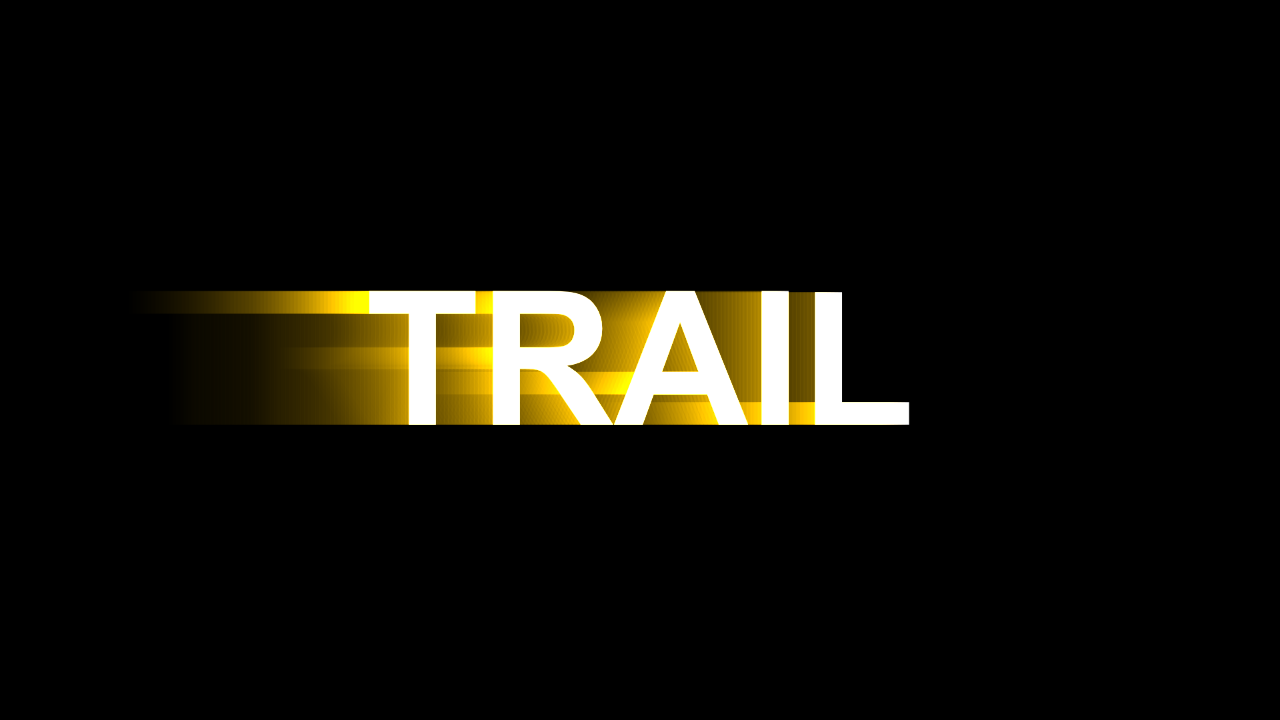
lightTrail()Reveal
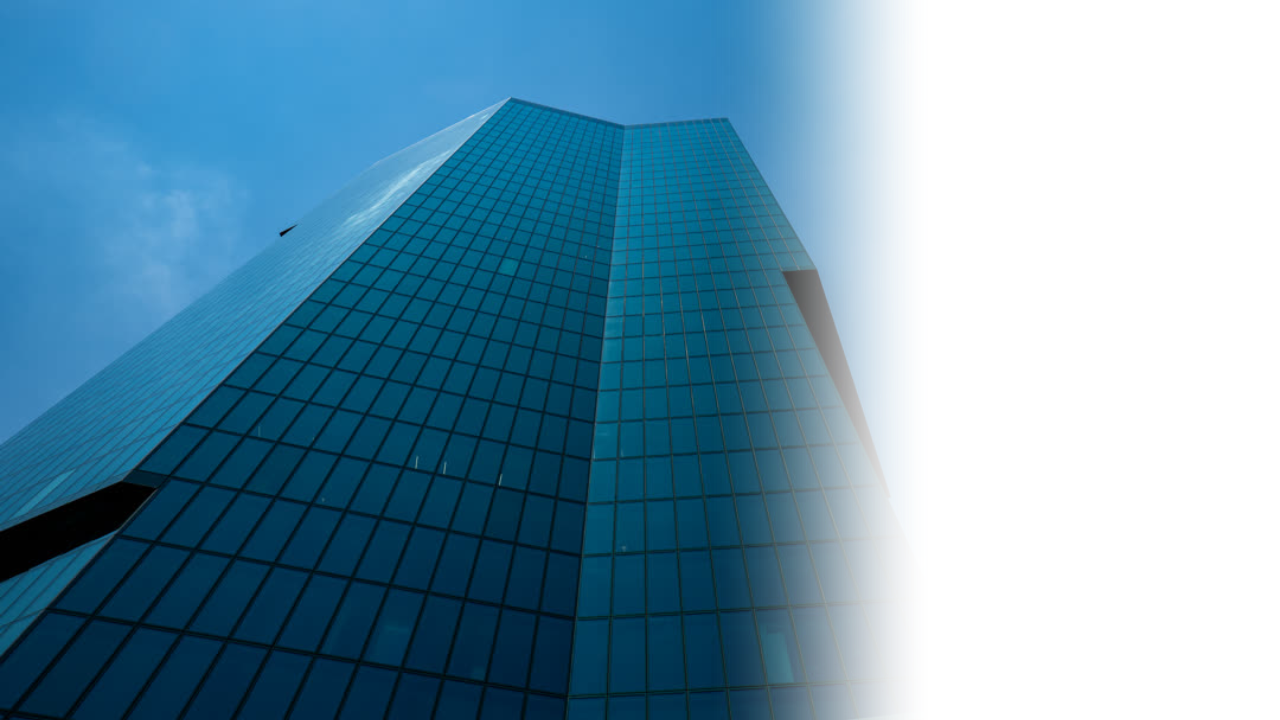
evolve()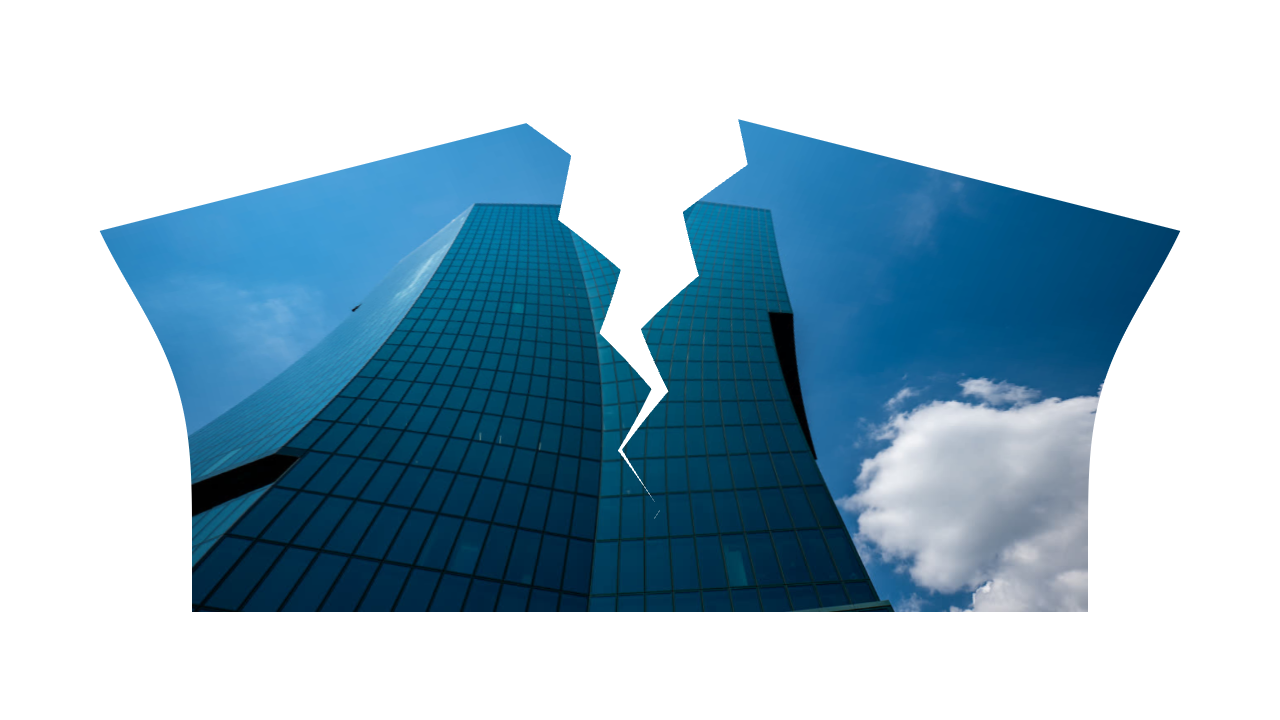
tear()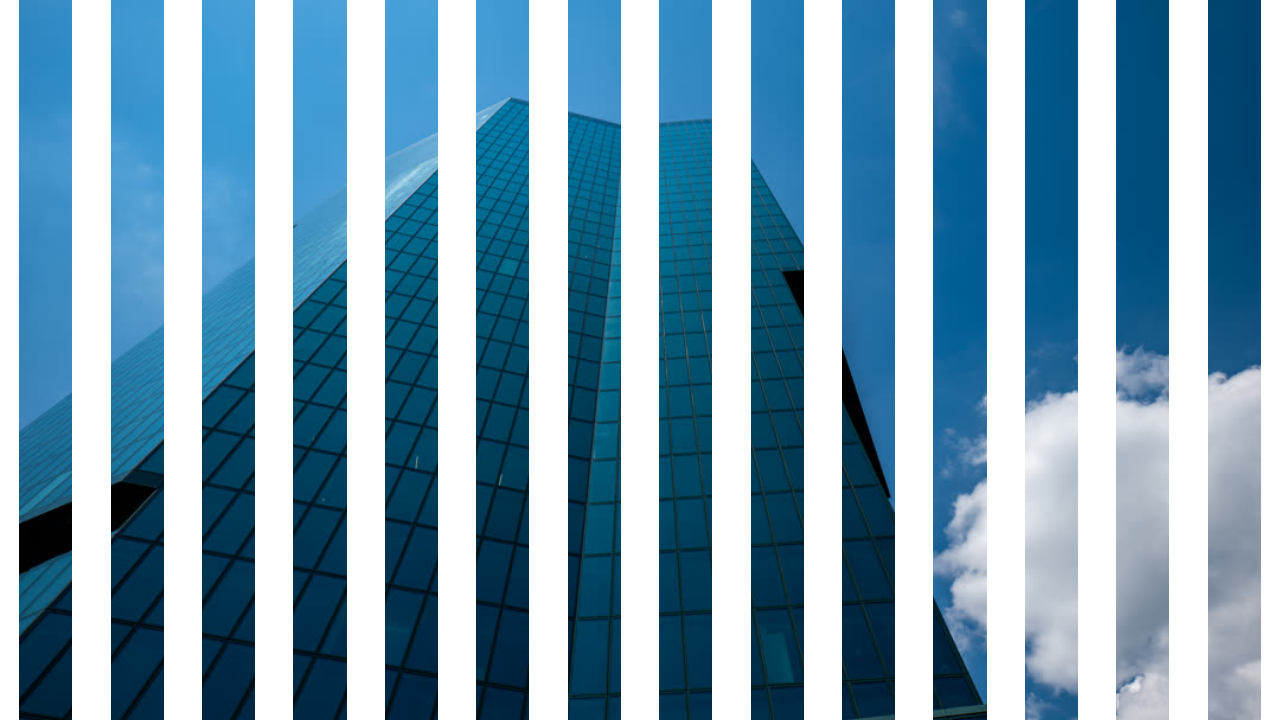
venetianBlinds()Transform
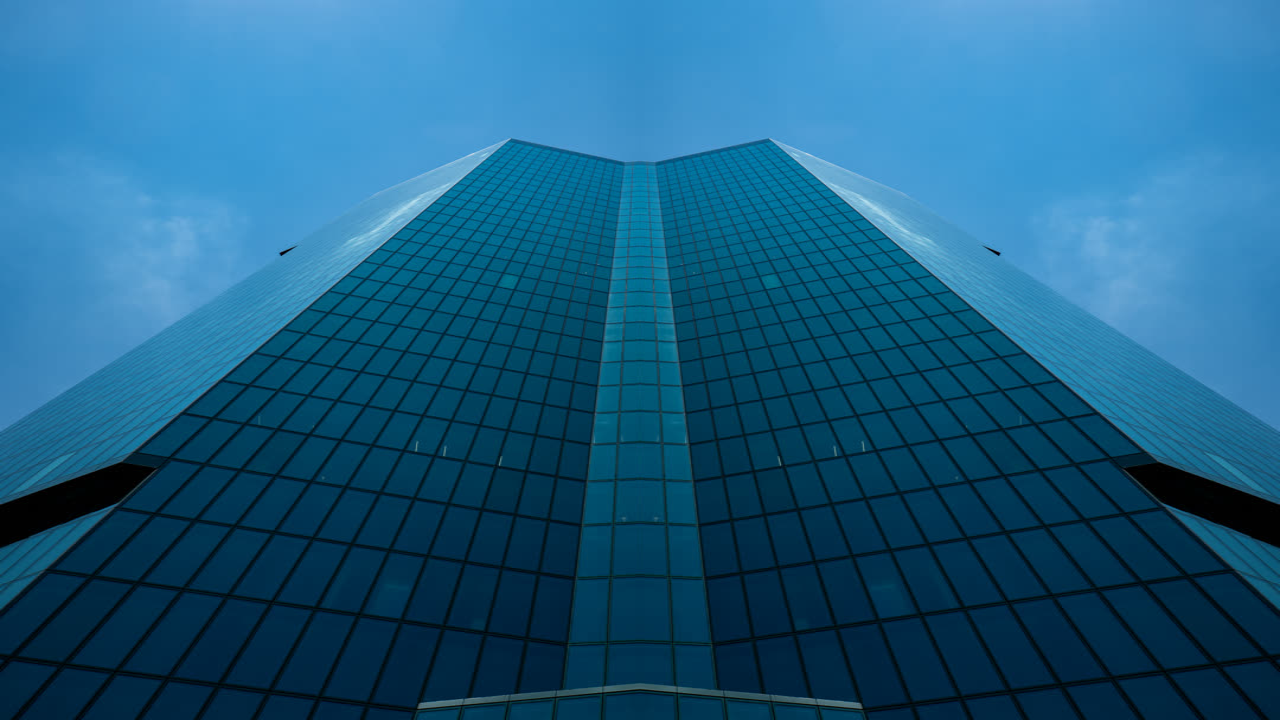
mirror()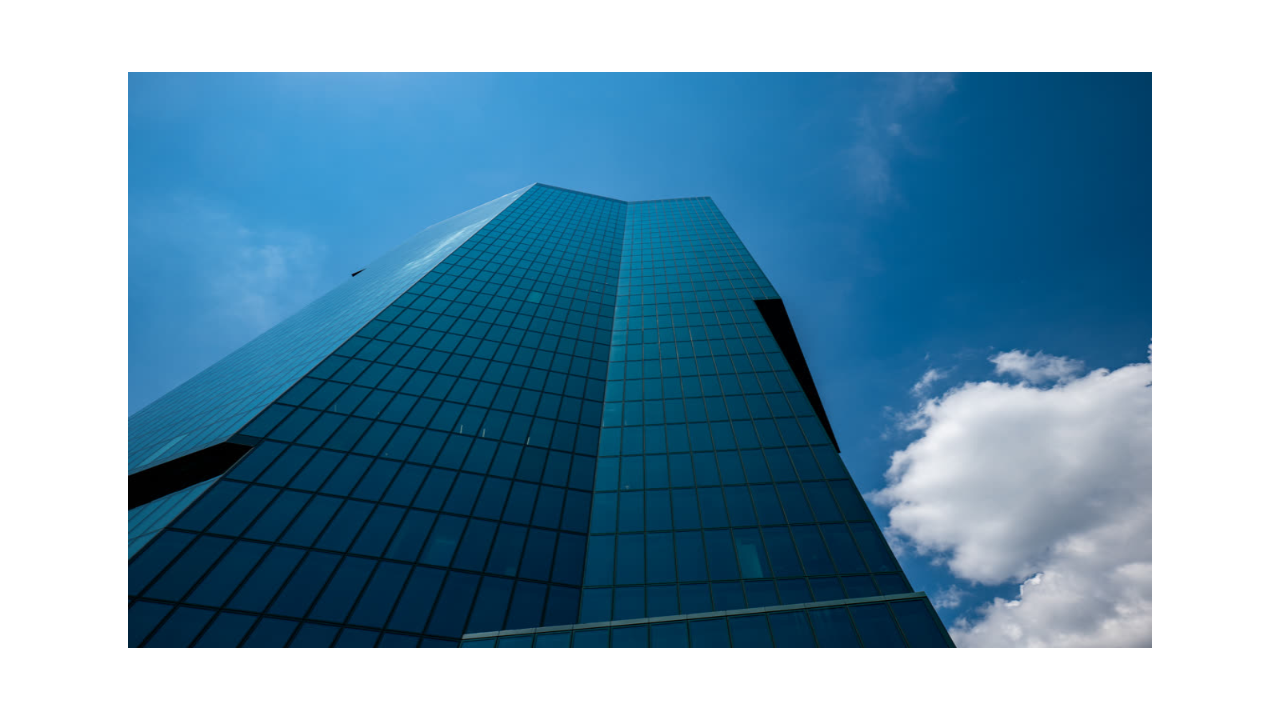
scale()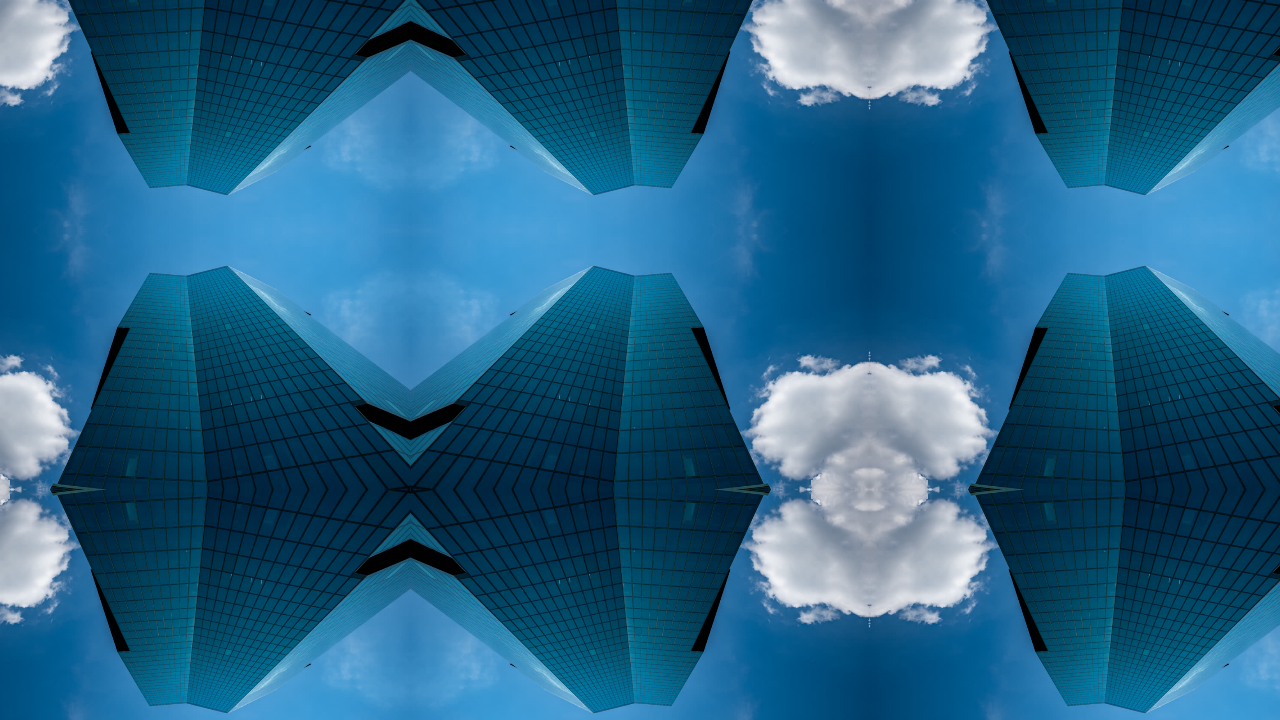
tile()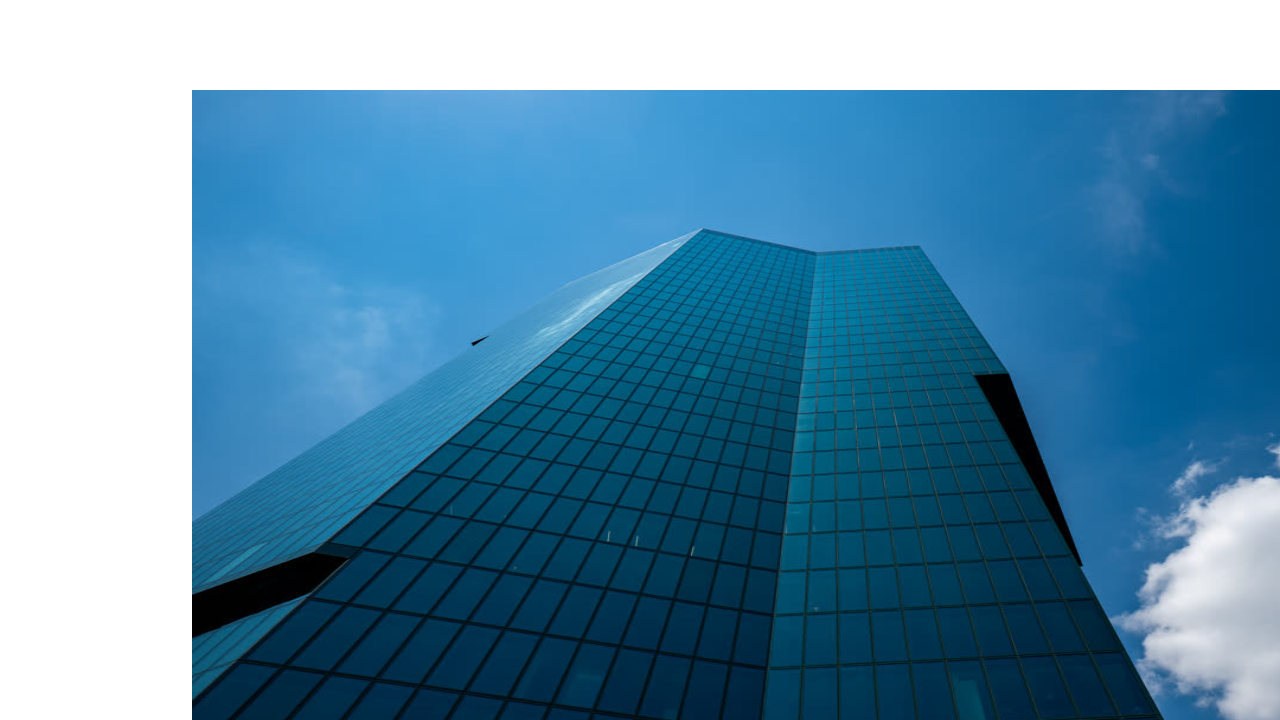
uvTranslate()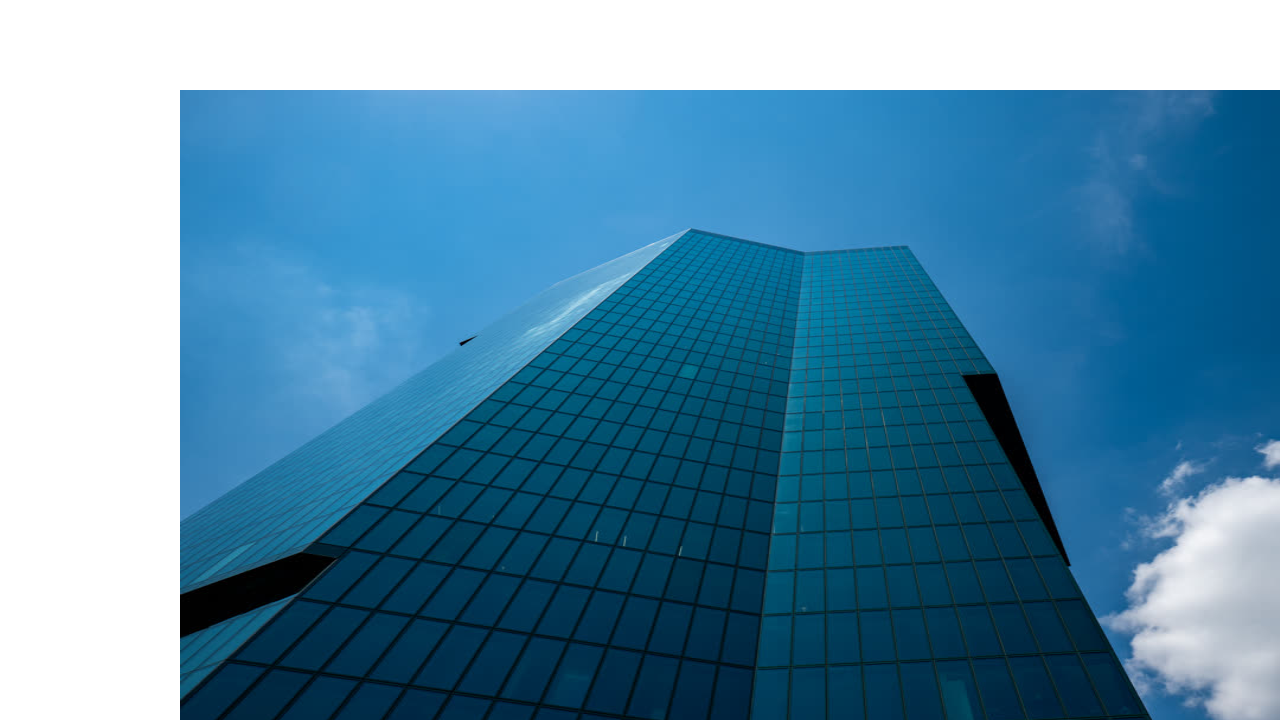
xyTranslate()Distort
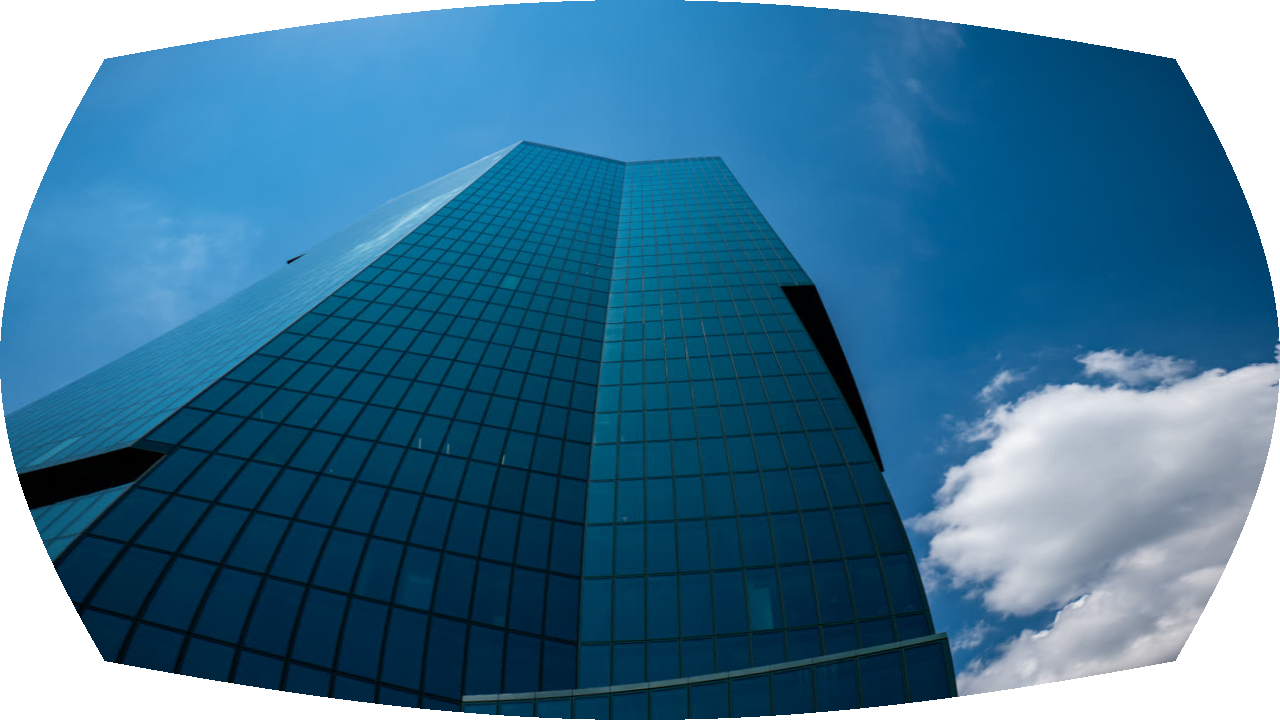
barrelDistortion()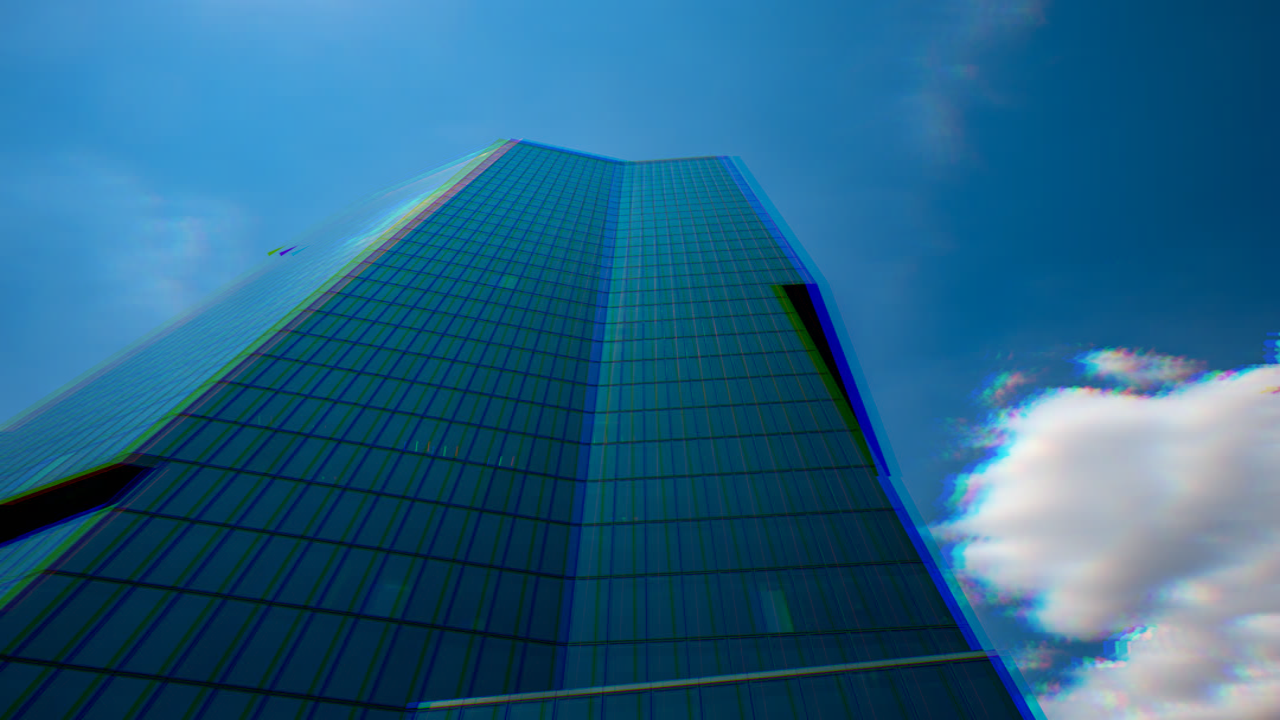
chromaticAberration()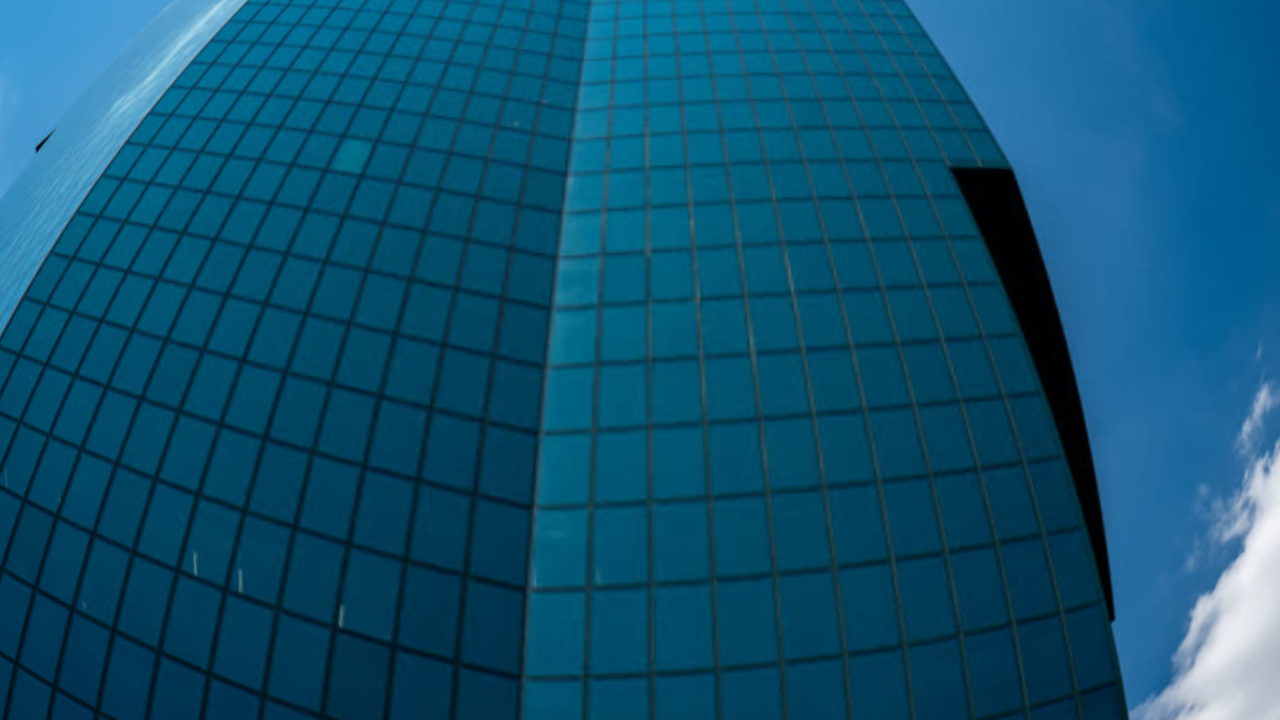
fisheye()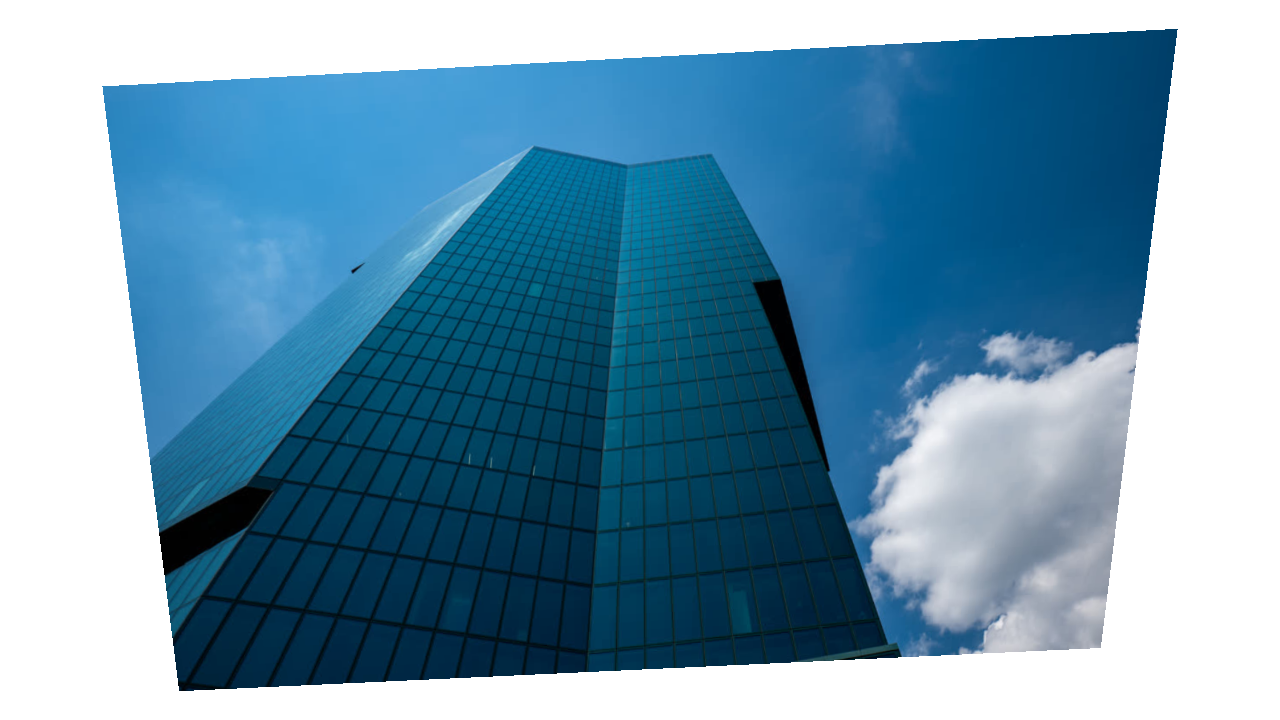
cornerPin()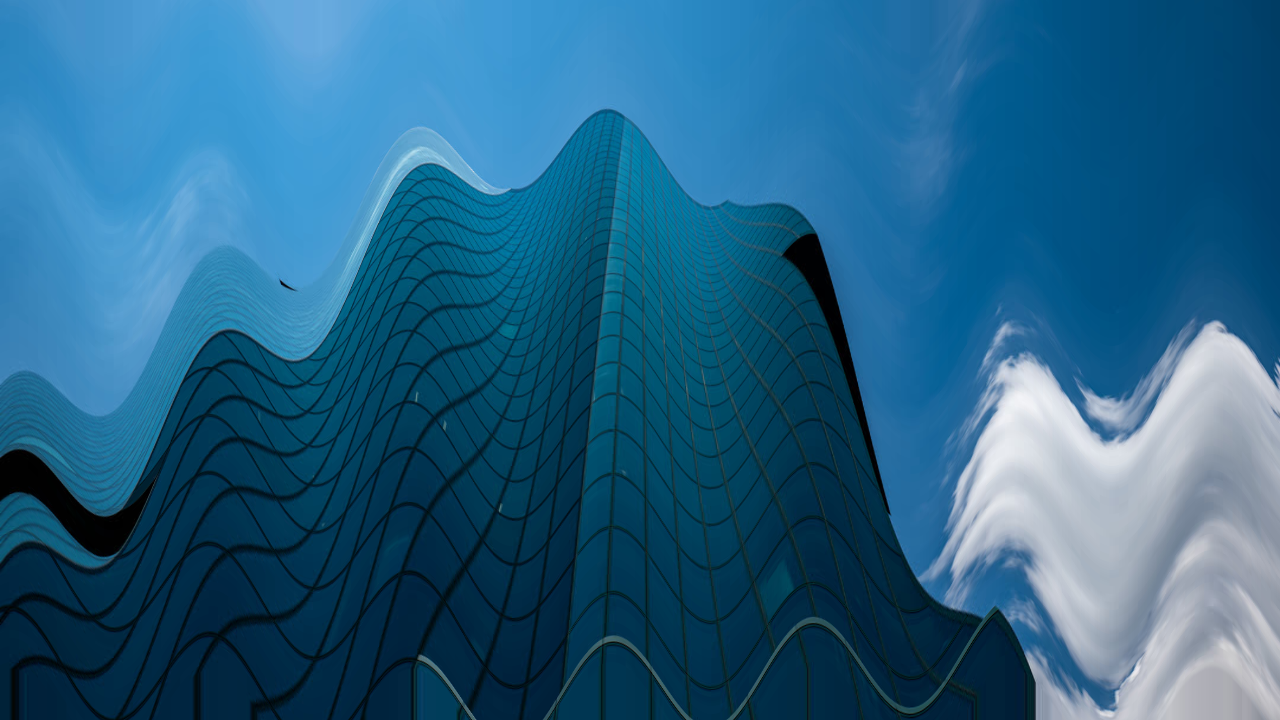
wave()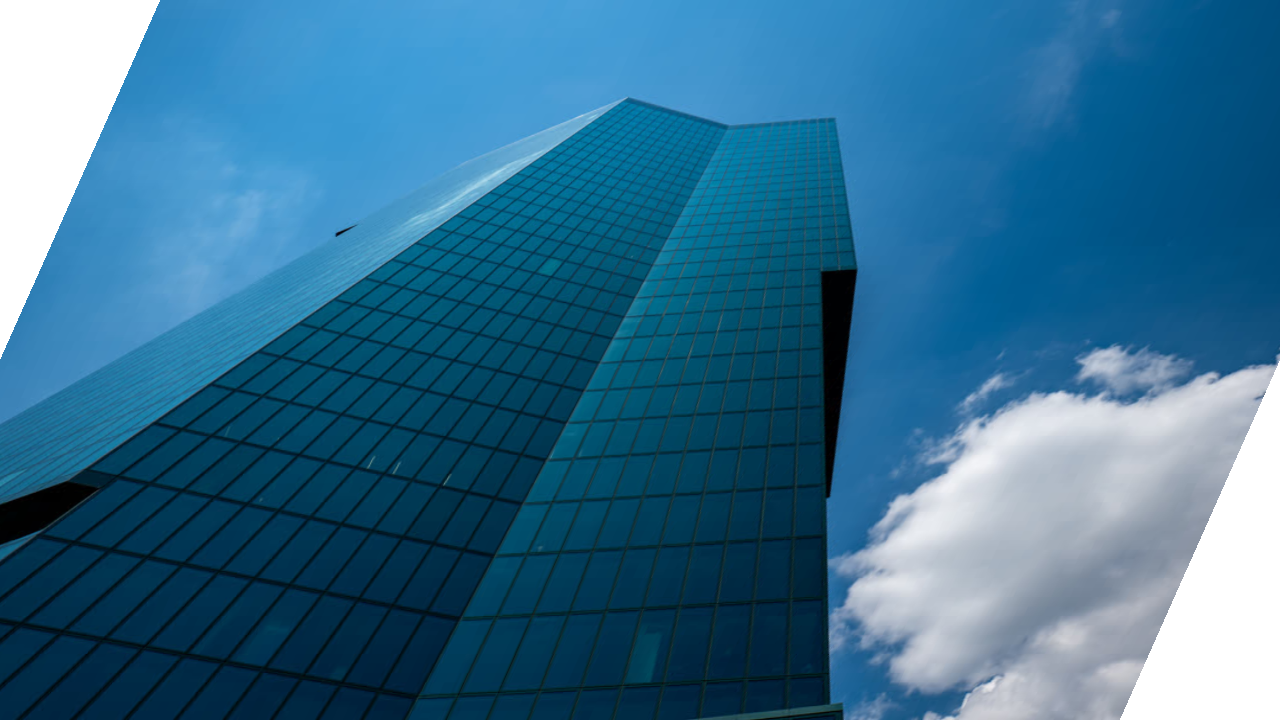
skew()Stylize
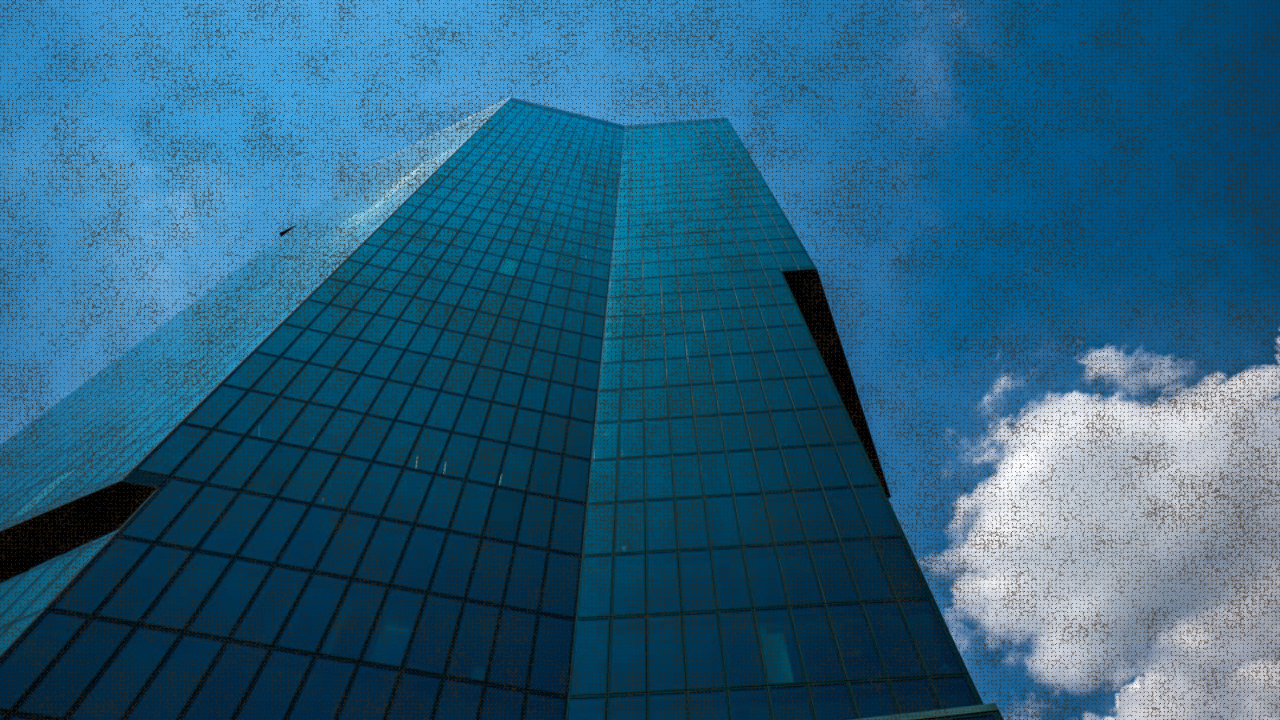
burlap()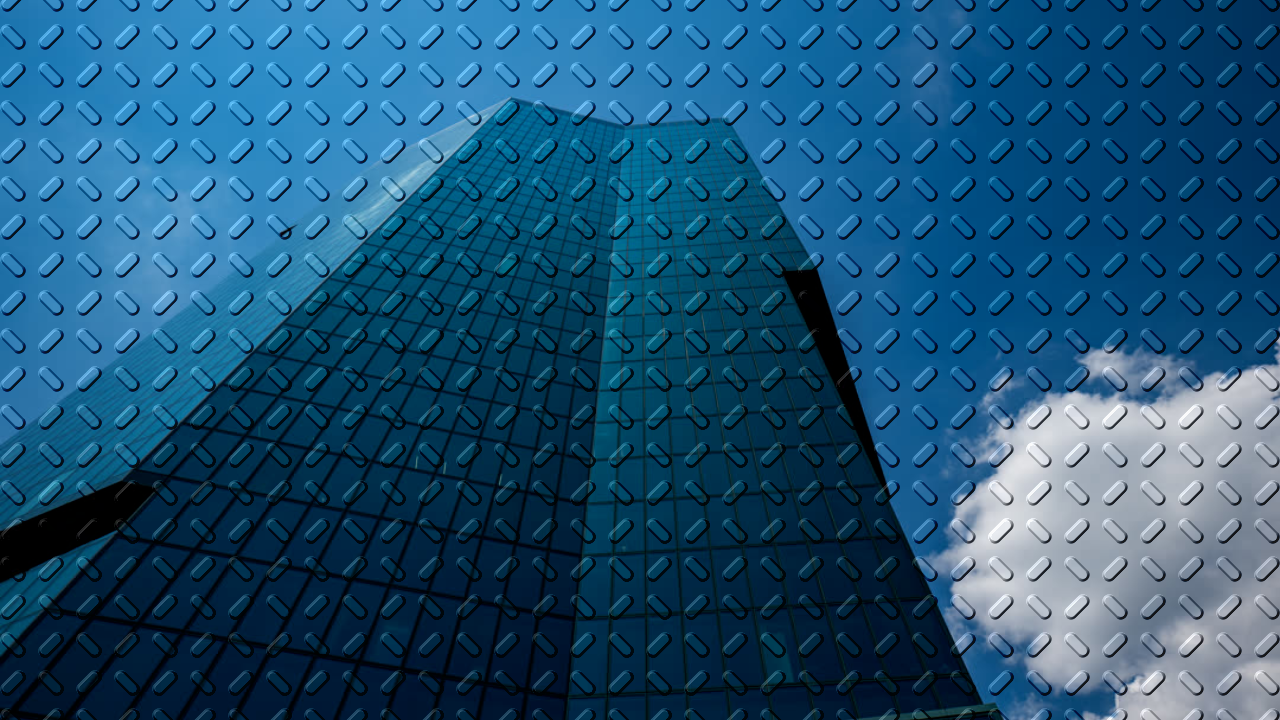
emboss()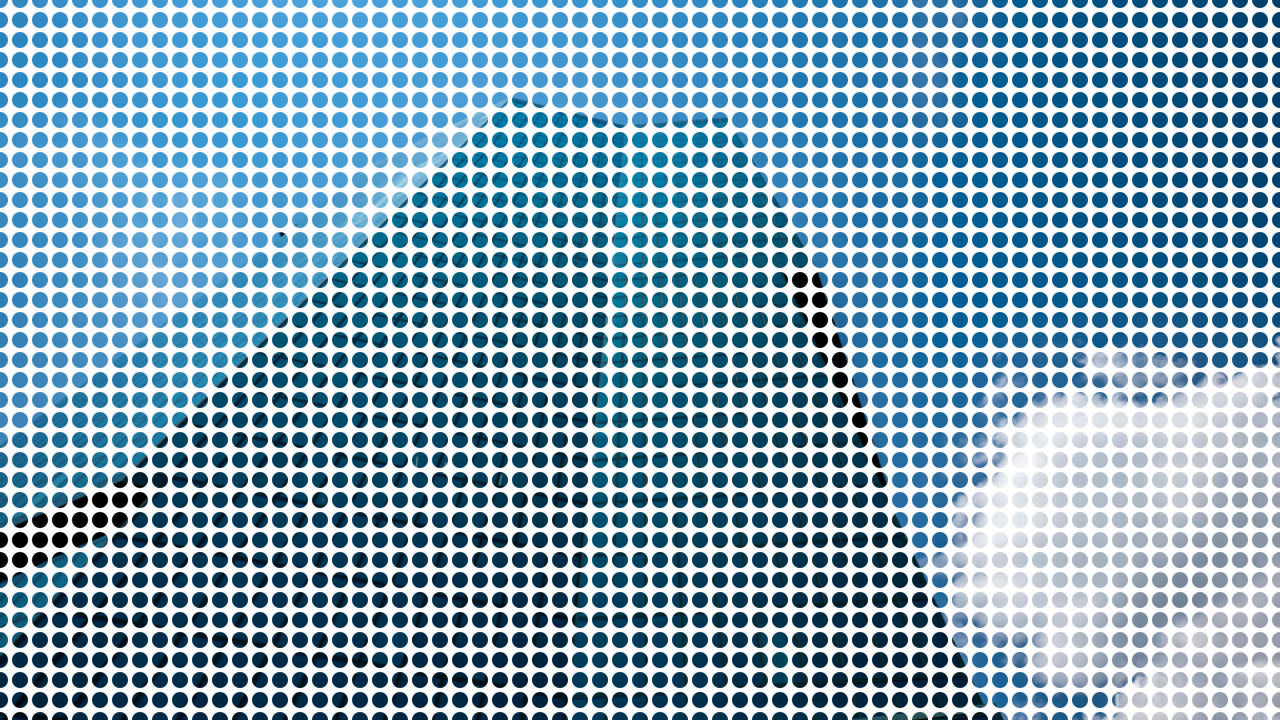
dotGrid()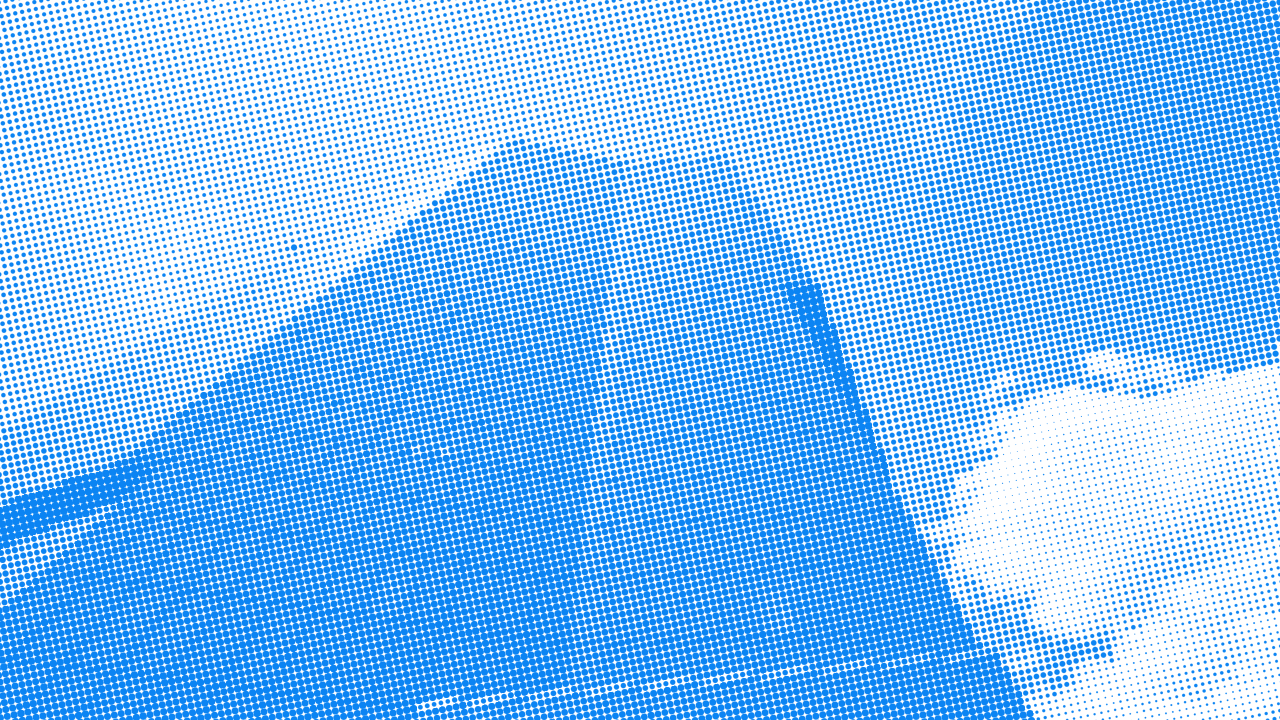
halftone()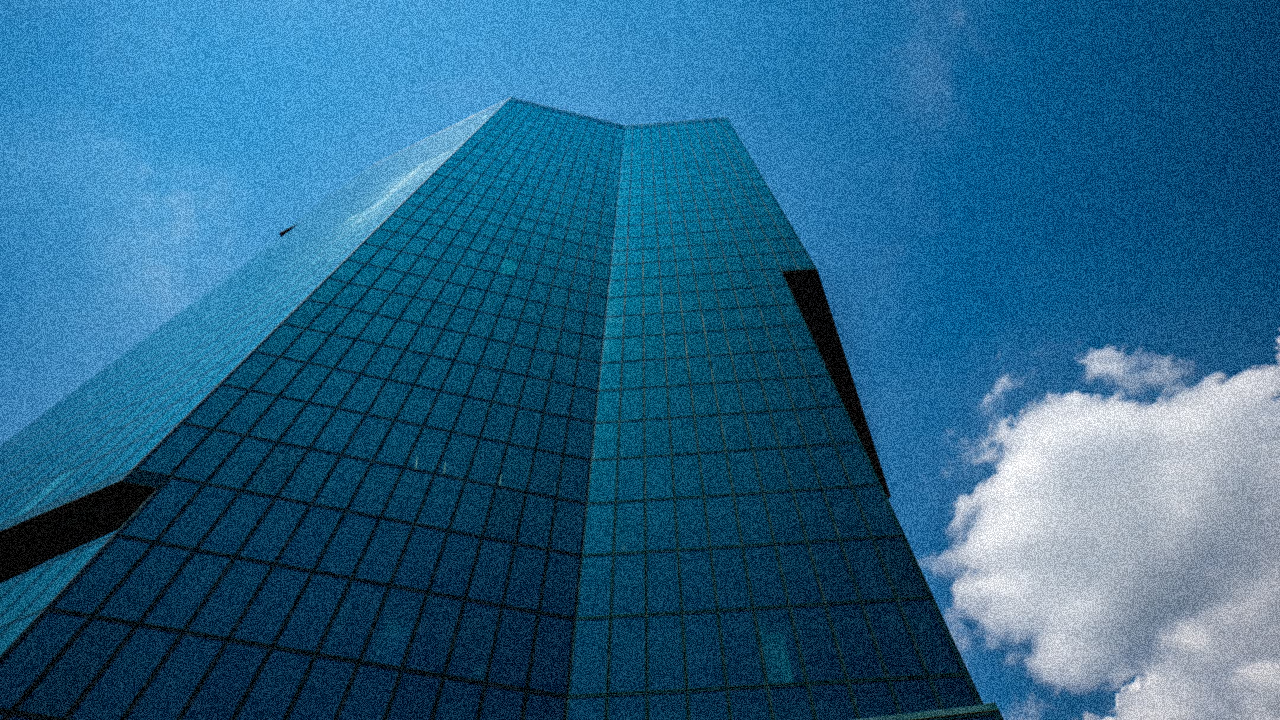
noise()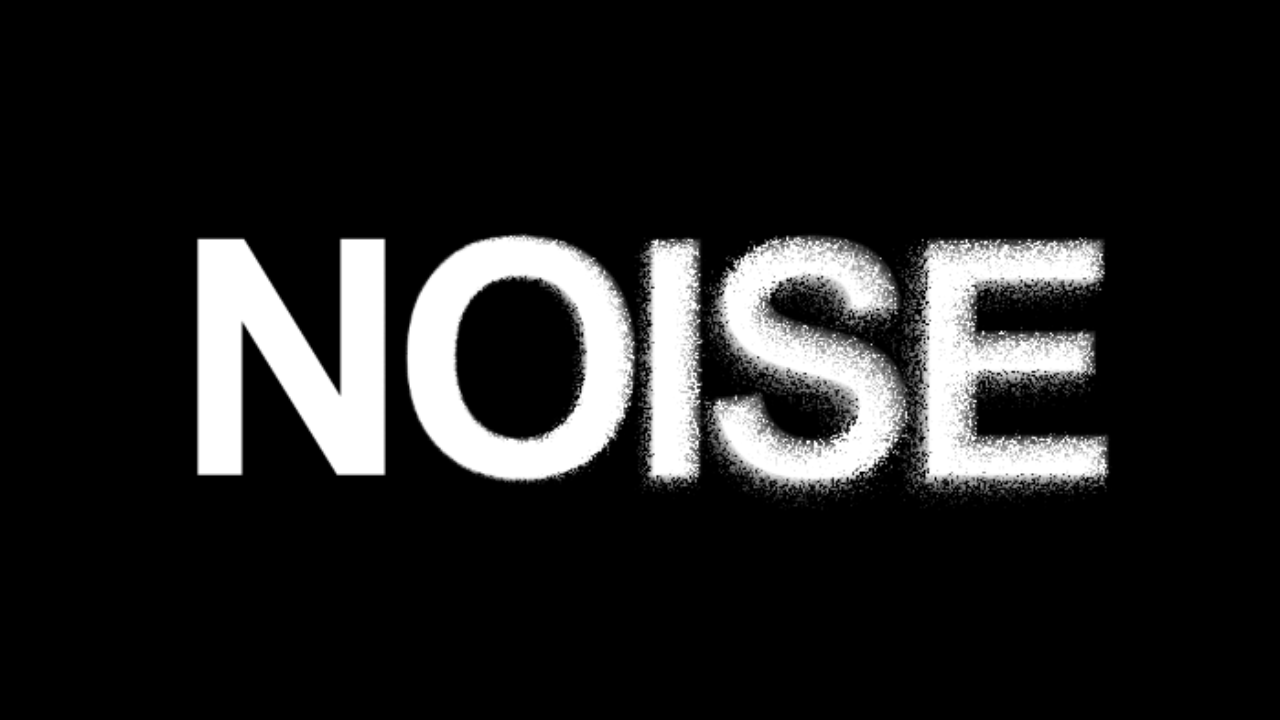
noiseDisplacement()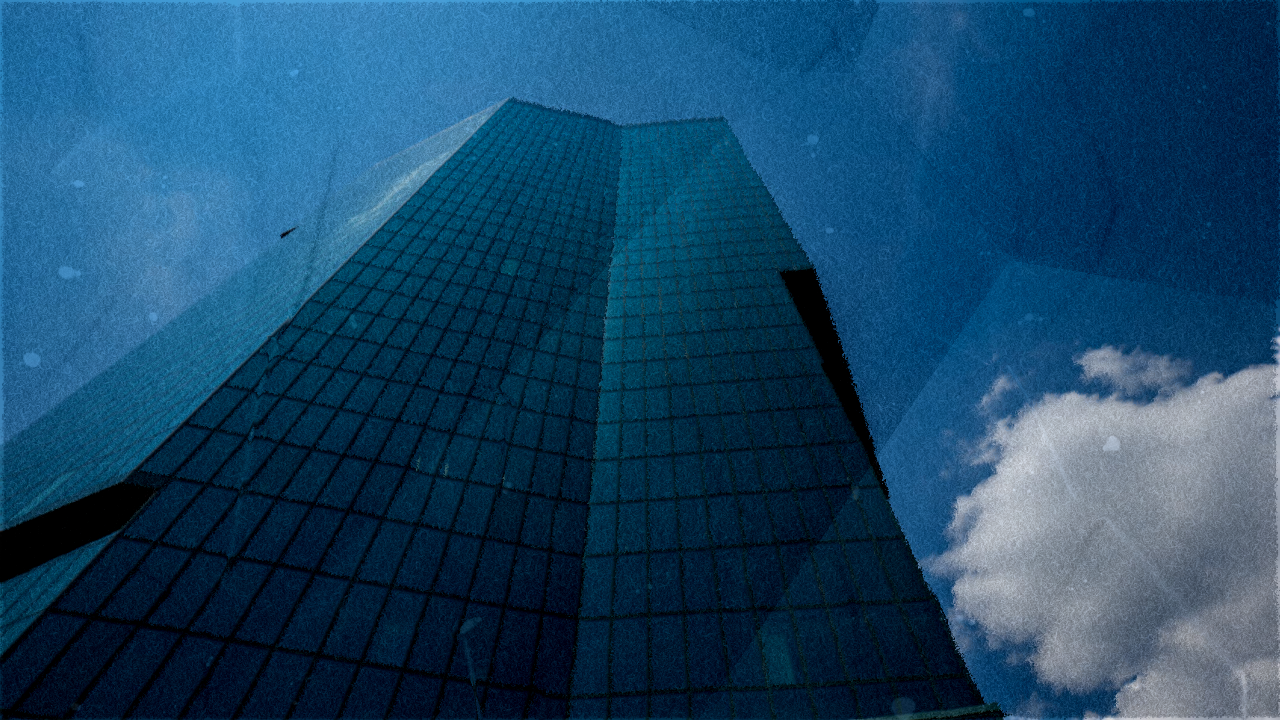
paper()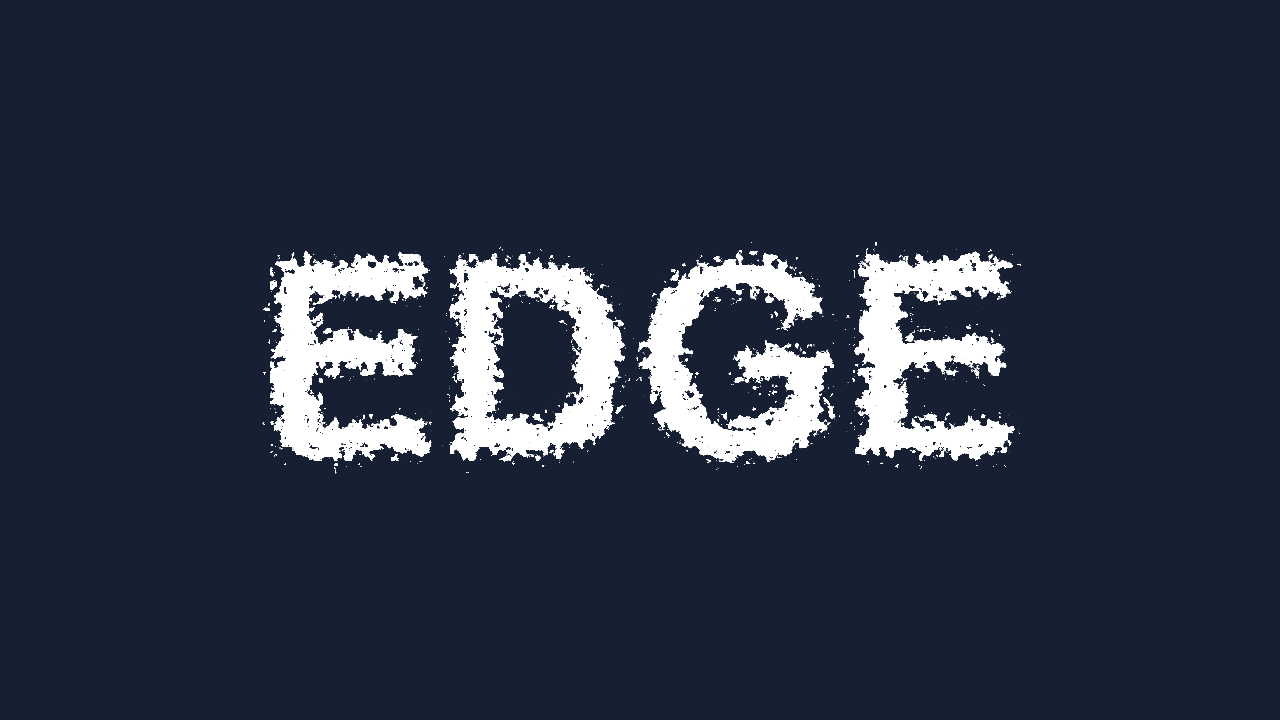
roughenEdges()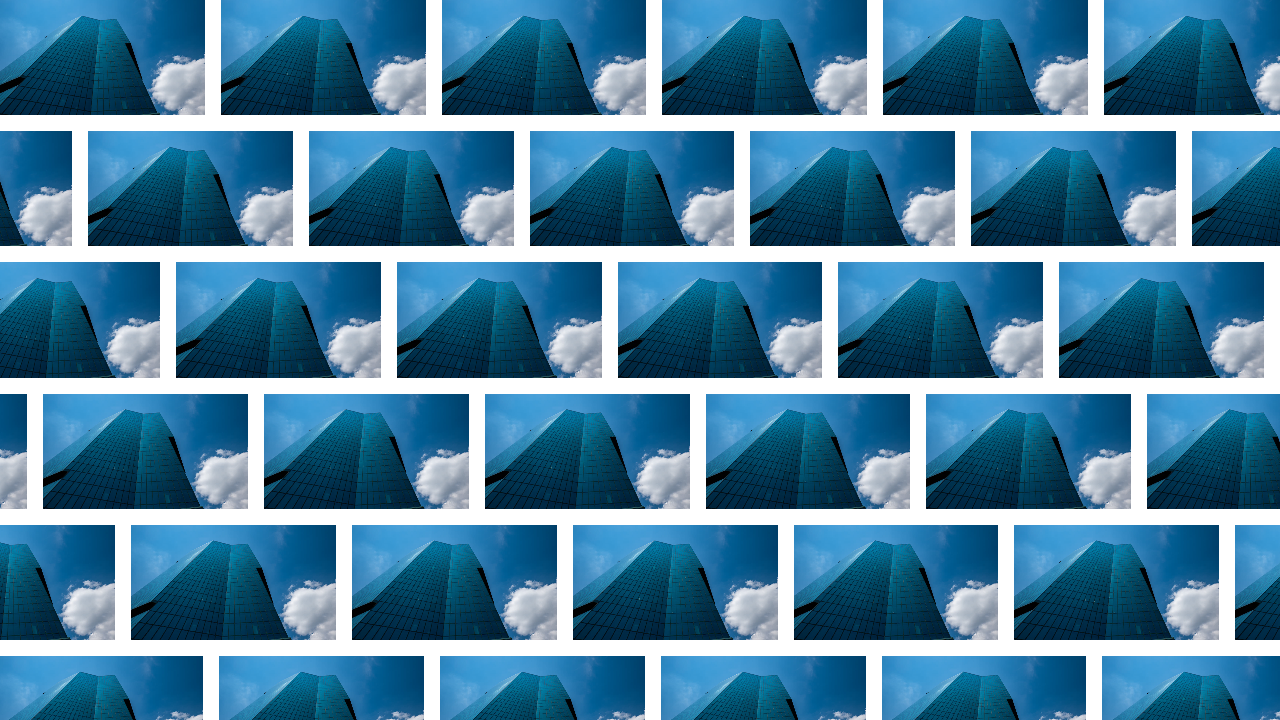
pattern()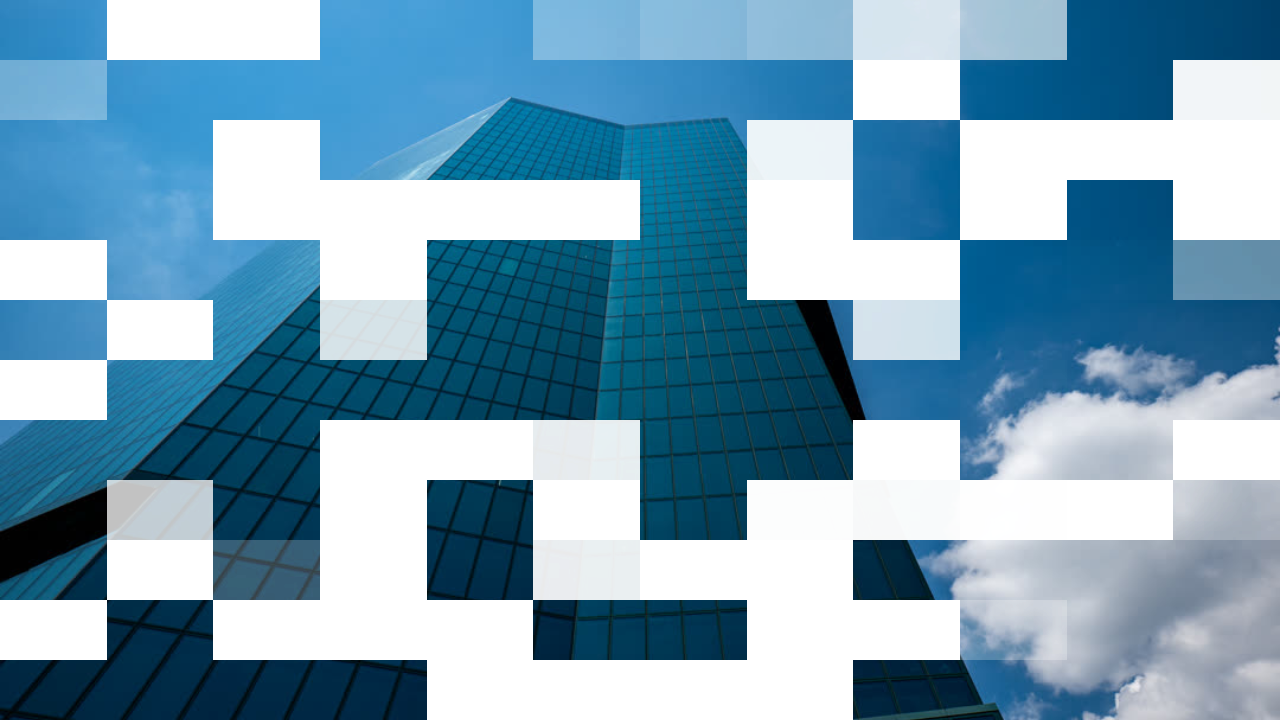
pixelDissolve()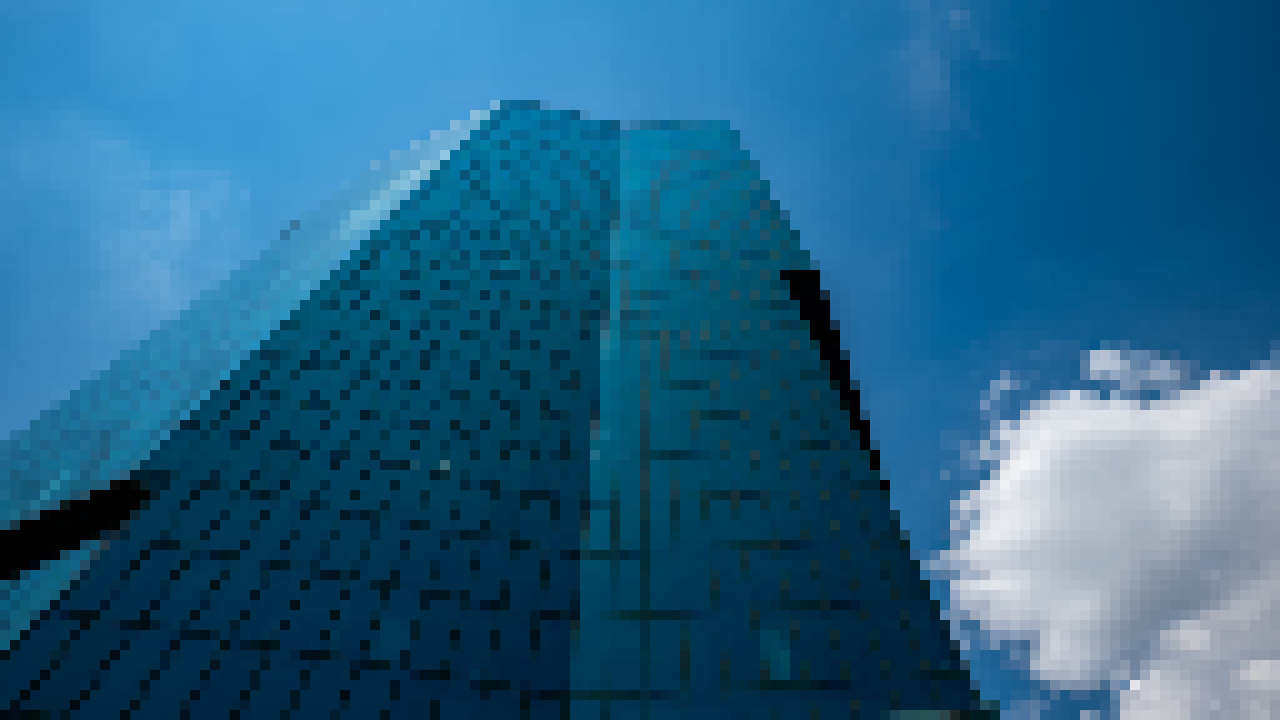
pixelate()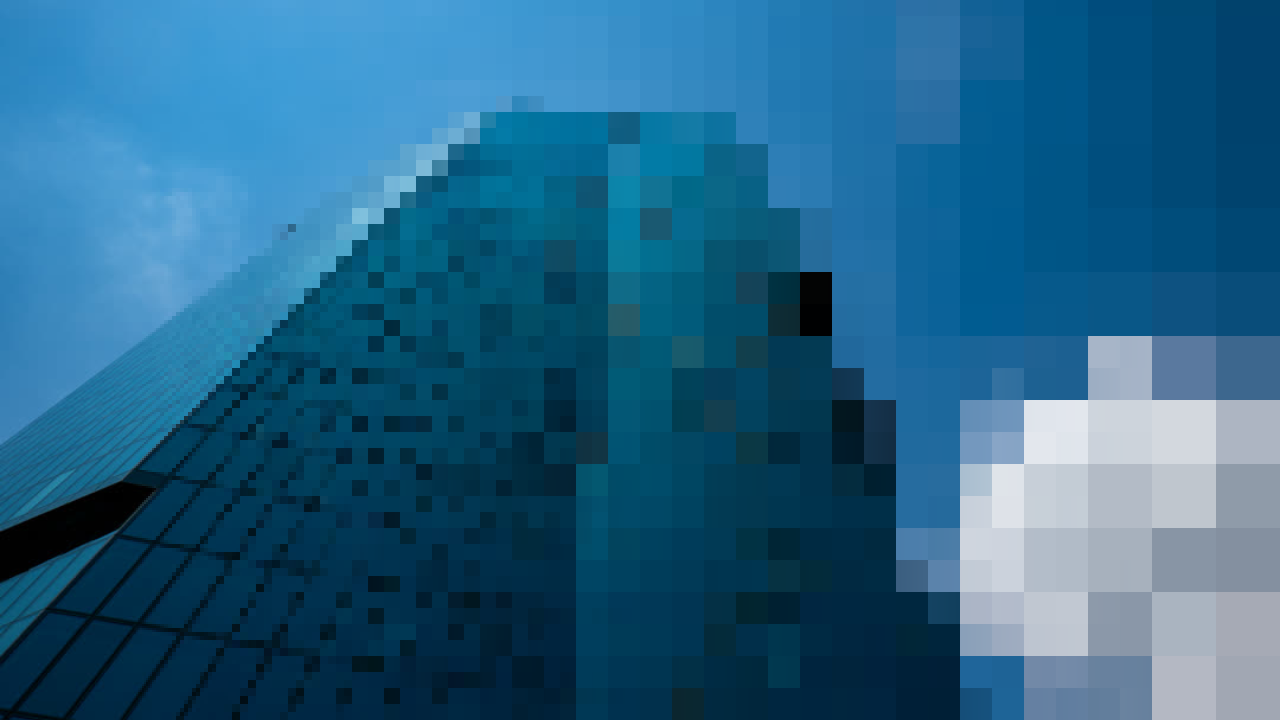
linearProgressivePixelate()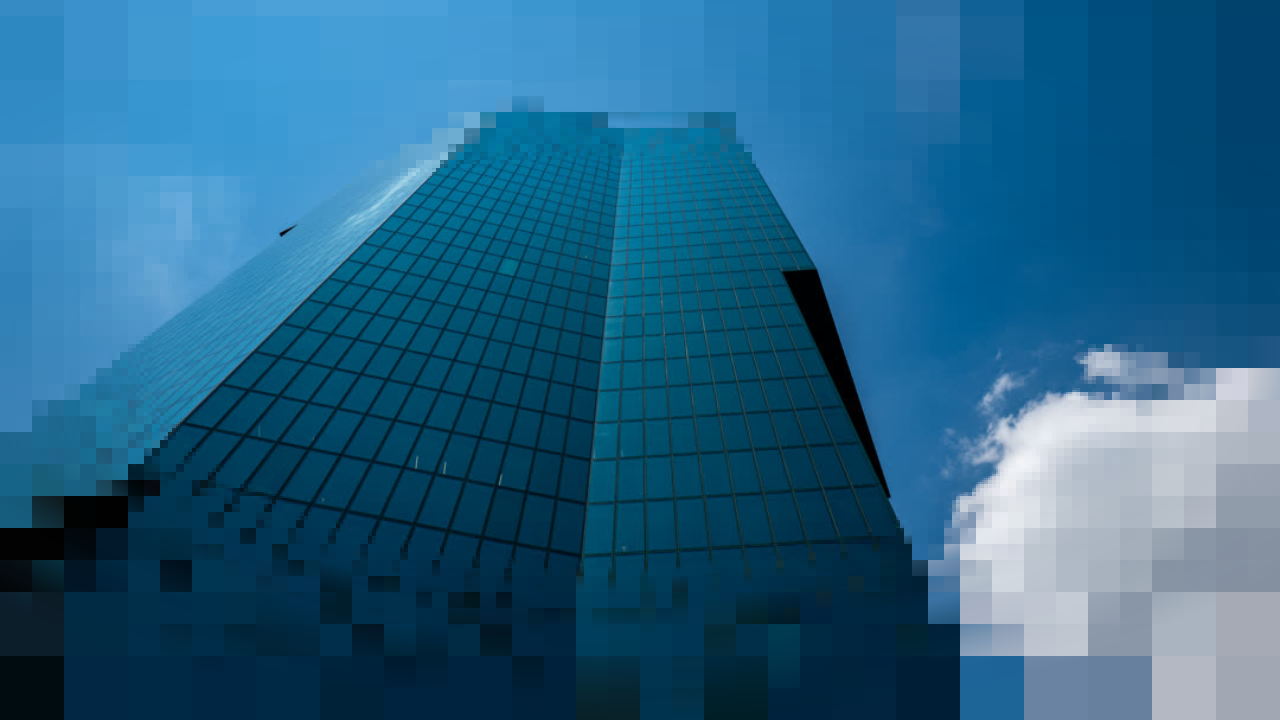
radialProgressivePixelate()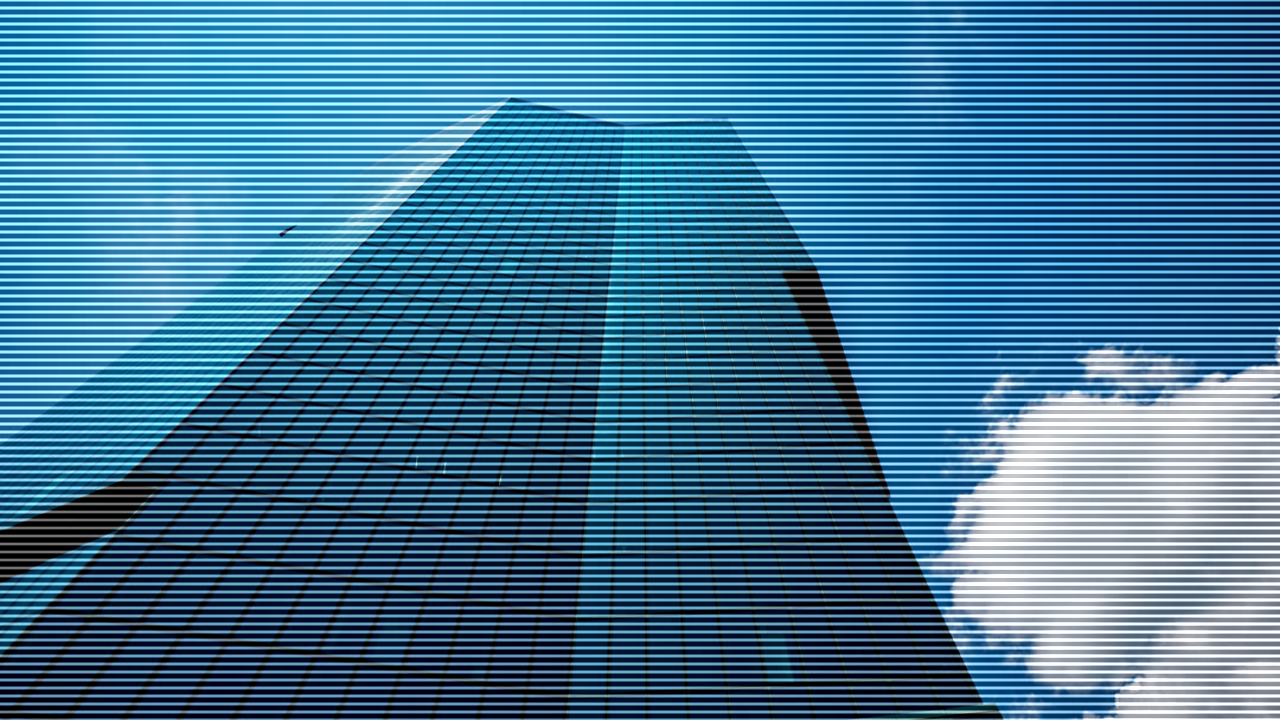
scanlines()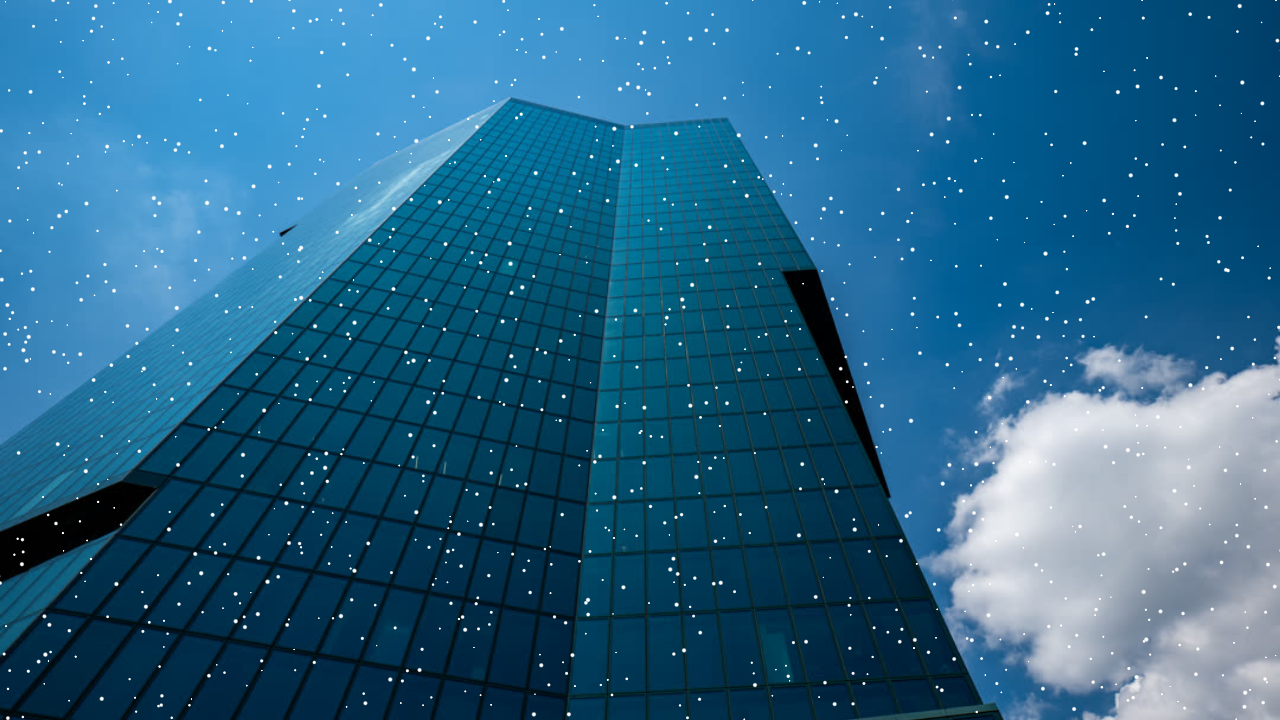
speckle()
shine()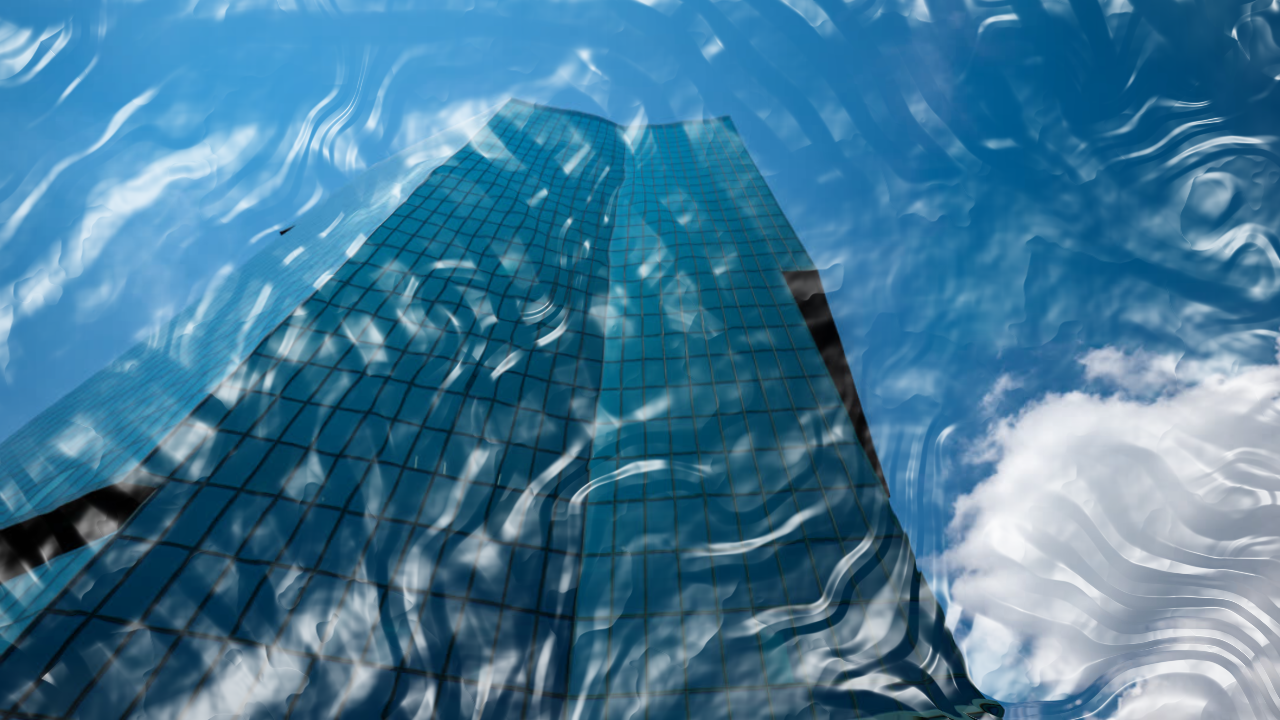
shrinkwrap()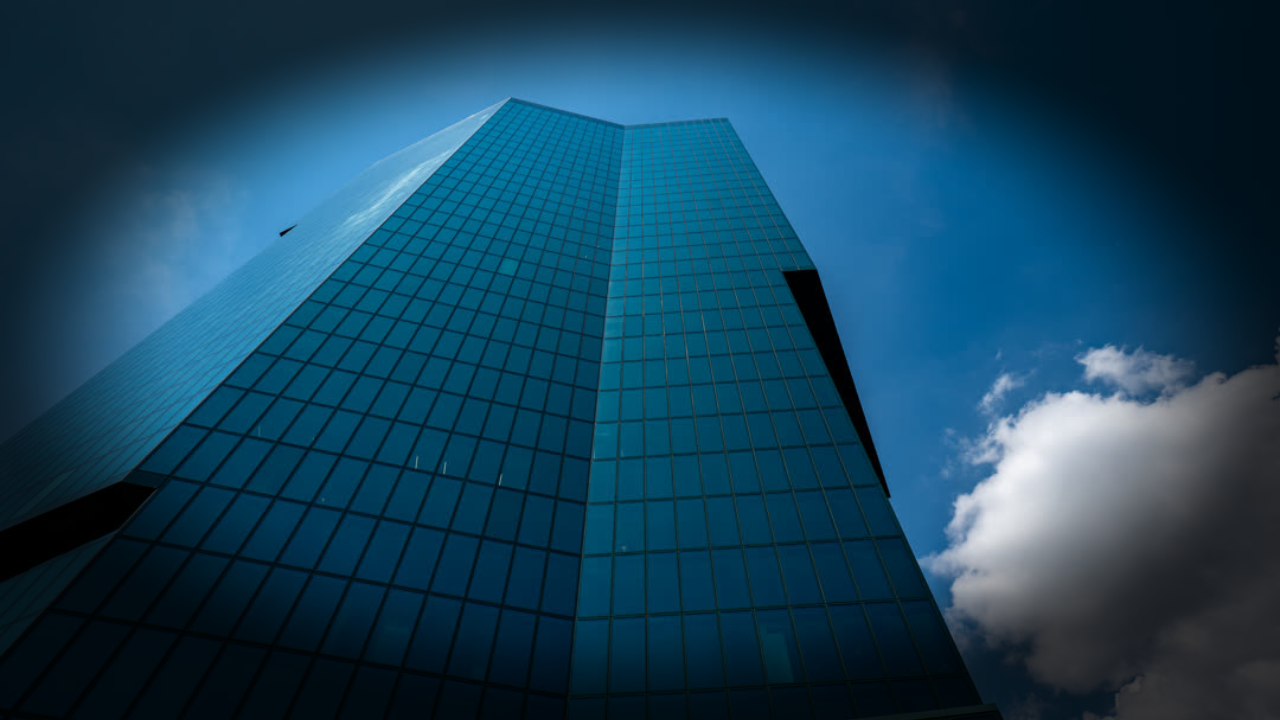
vignette()Generate
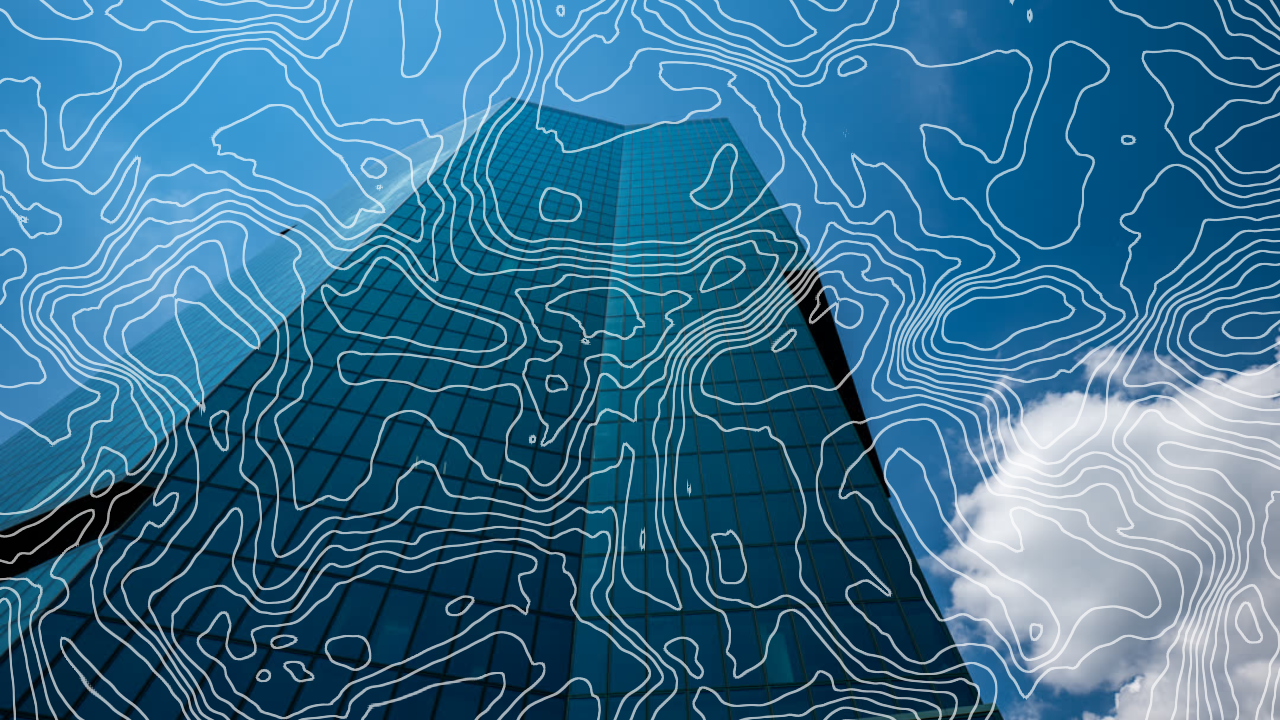
contourLines()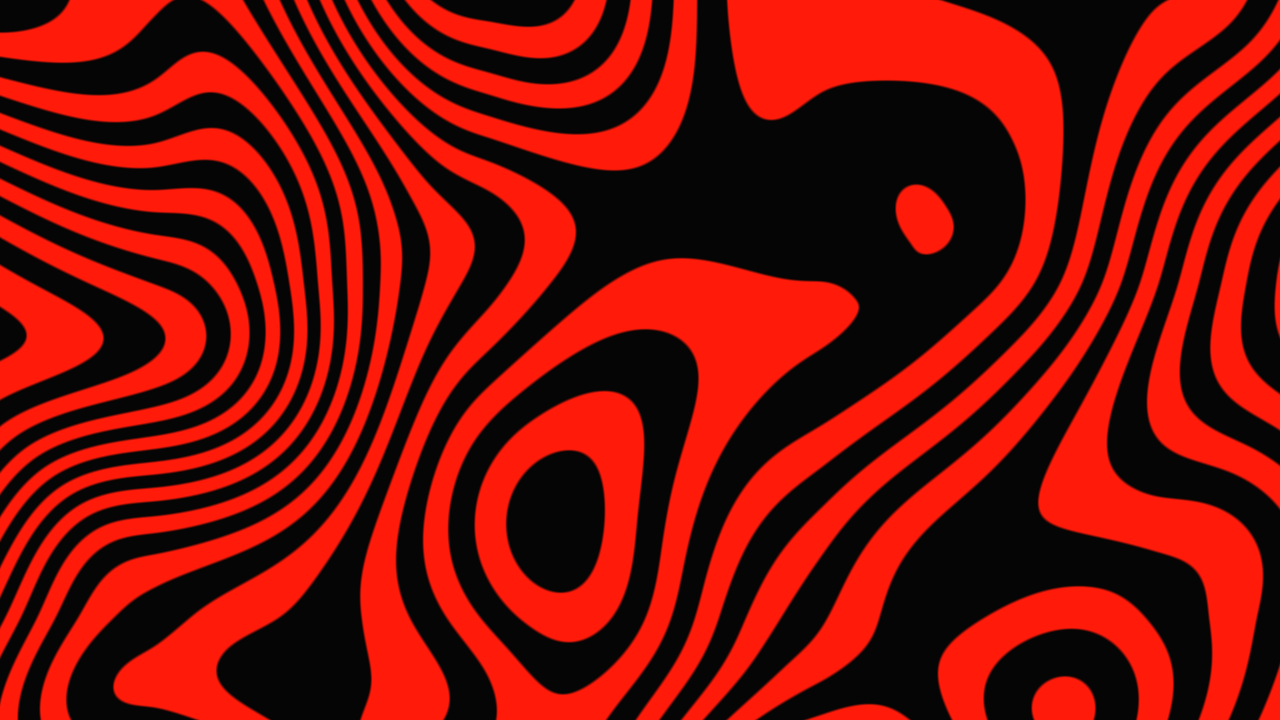
liquidContours()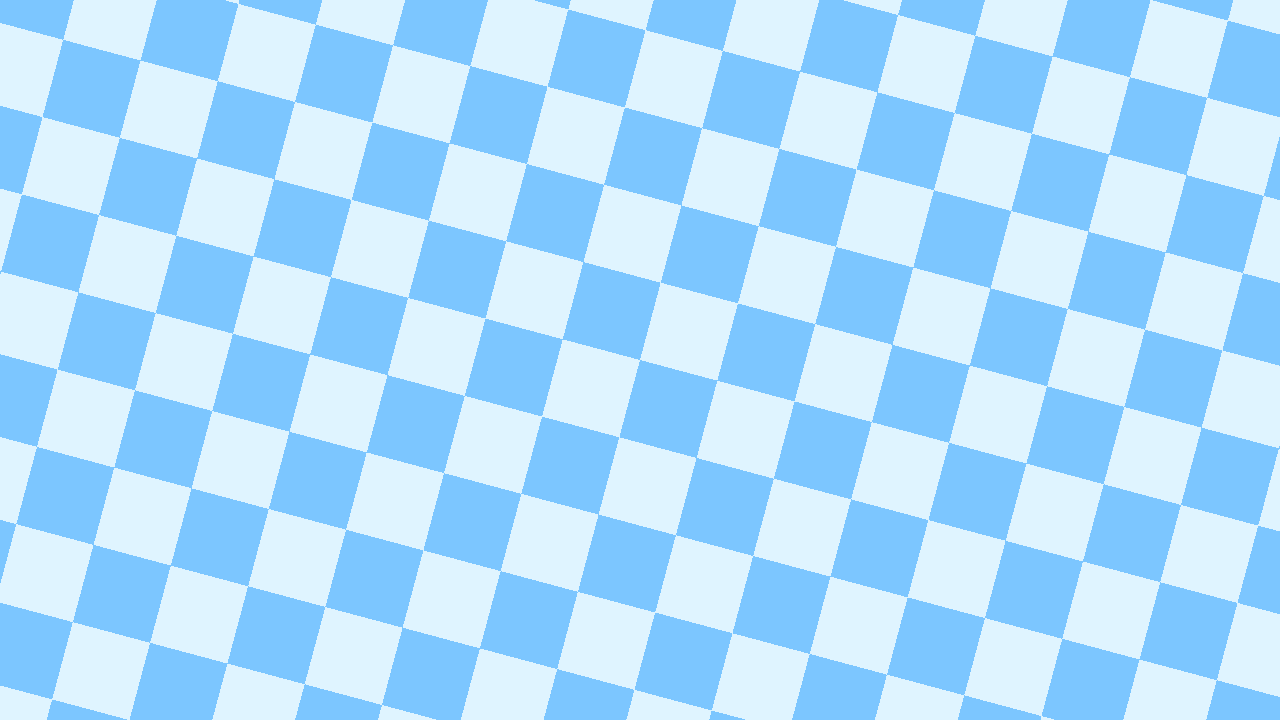
checkerboard()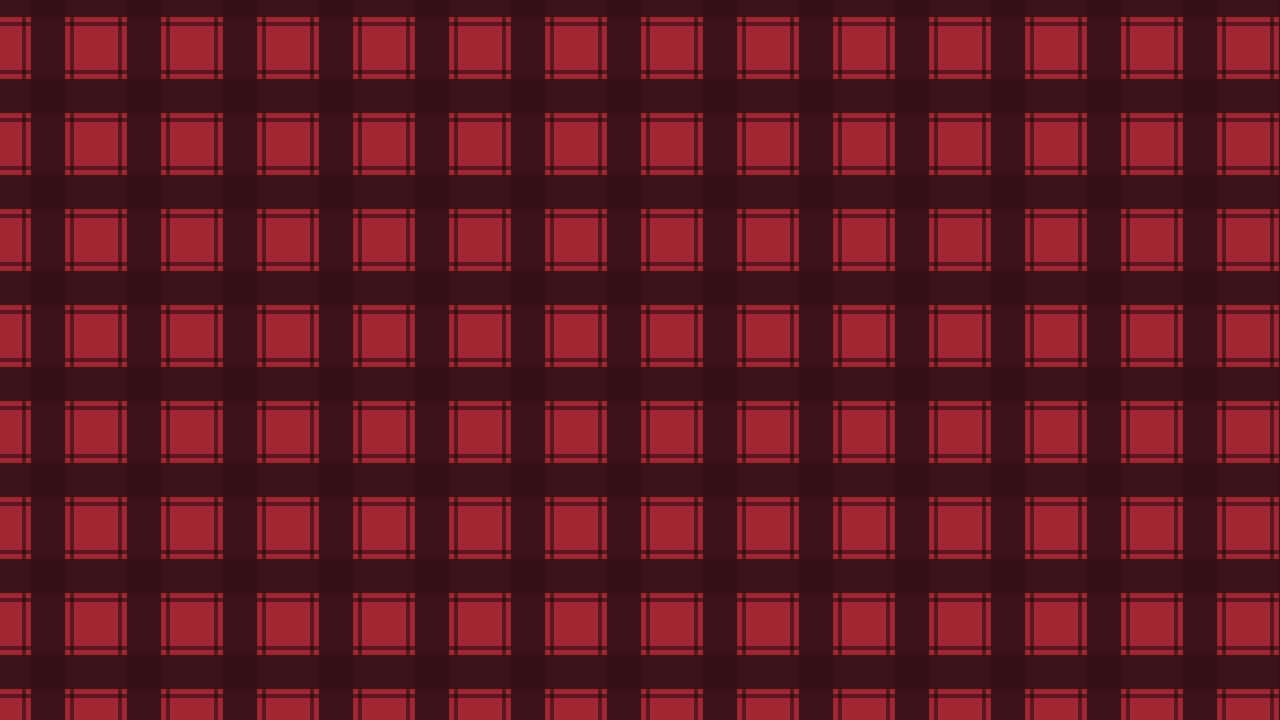
flannel()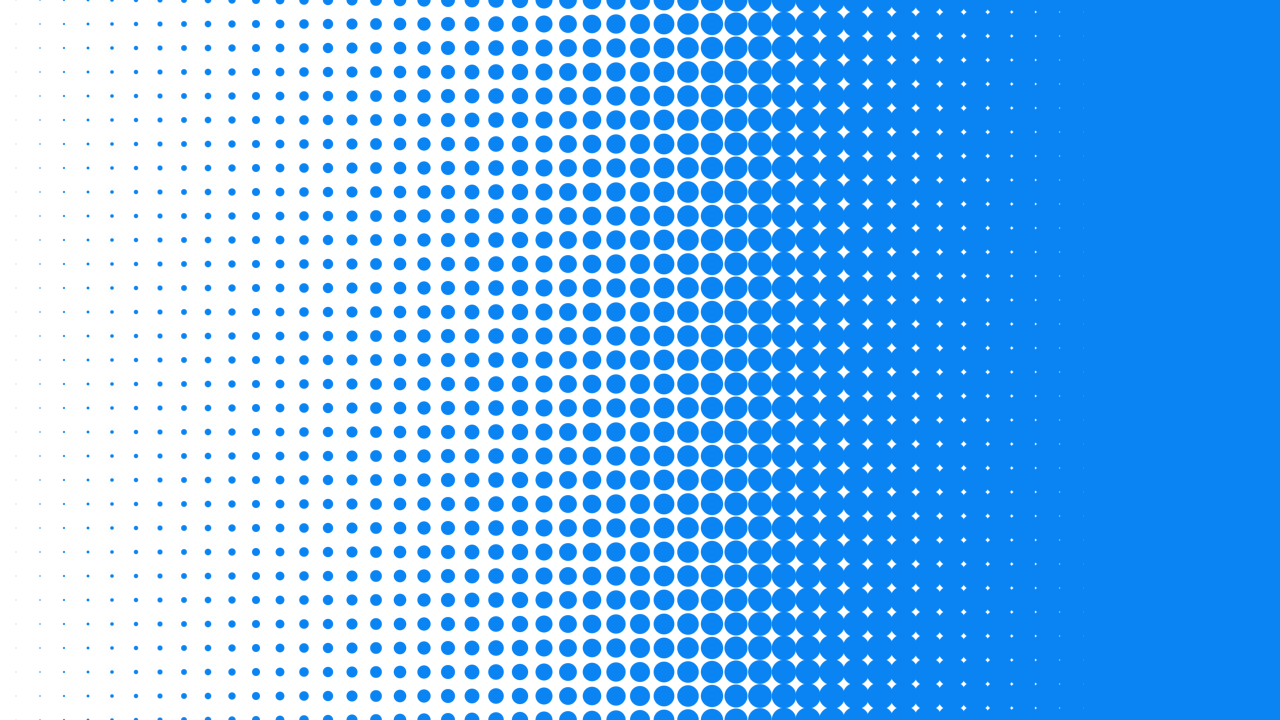
halftoneLinearGradient()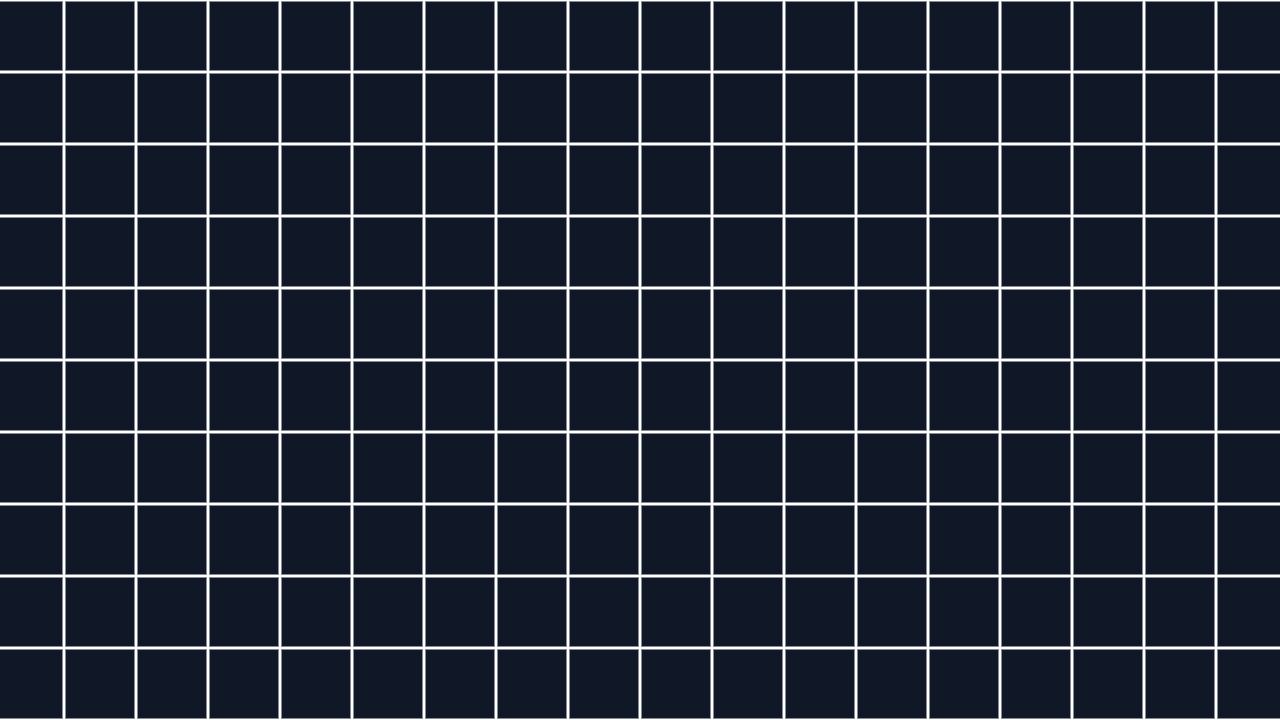
gridlines()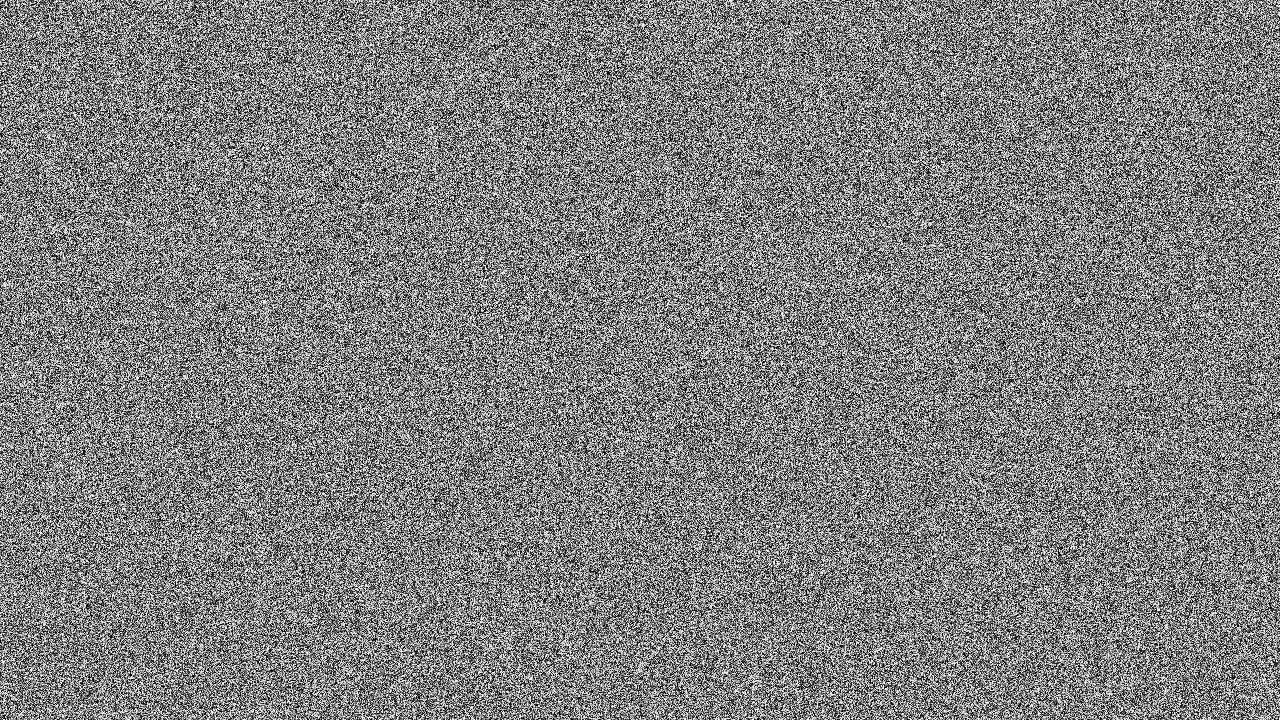
whiteNoise()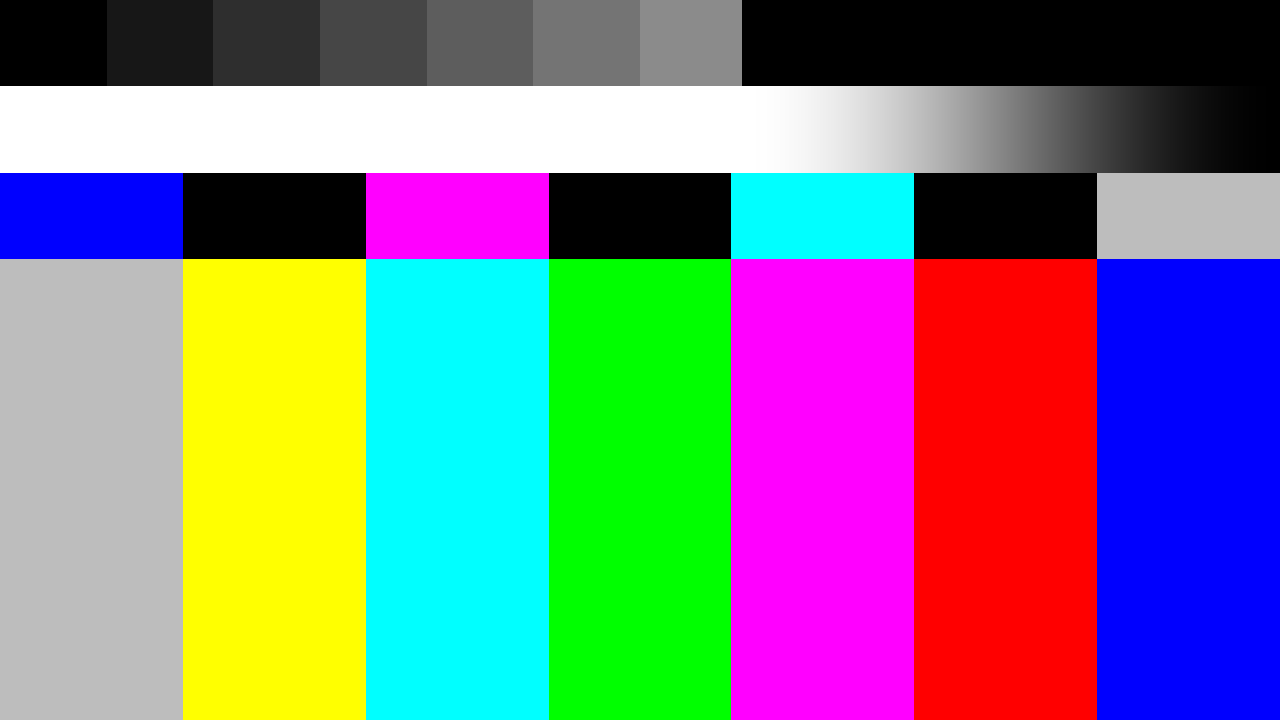
tvSignalOff()
lines()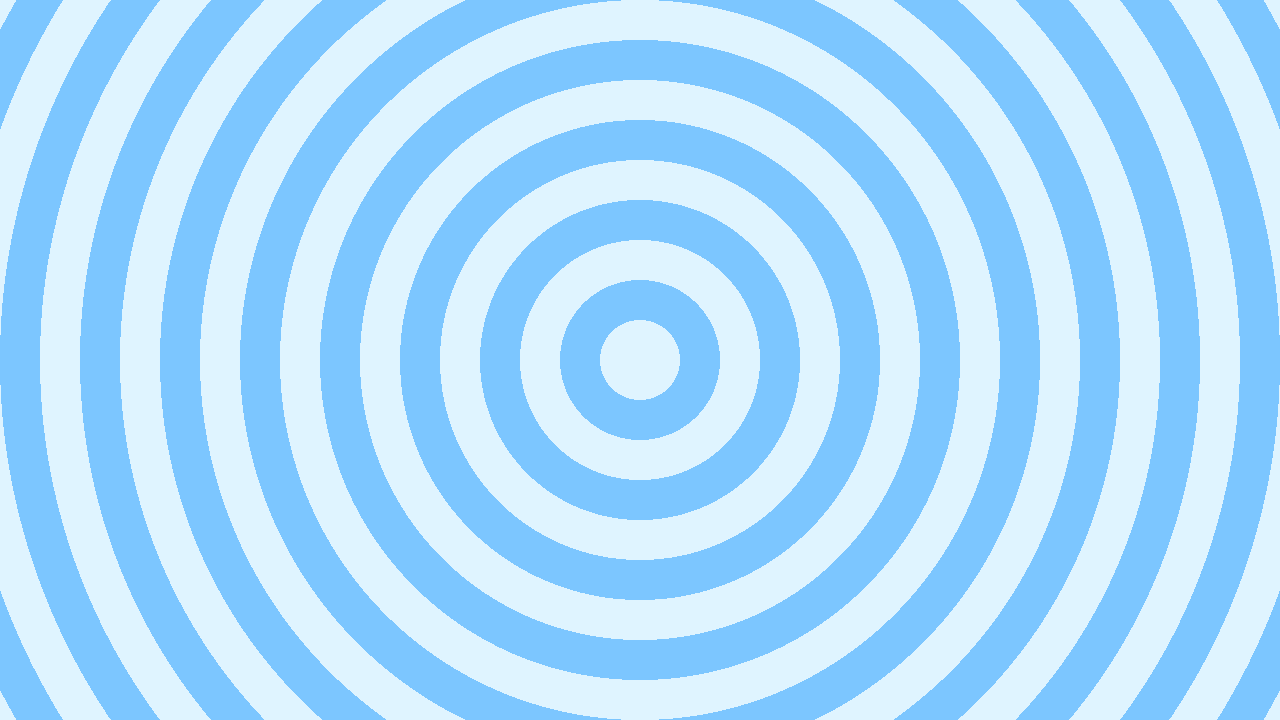
rings()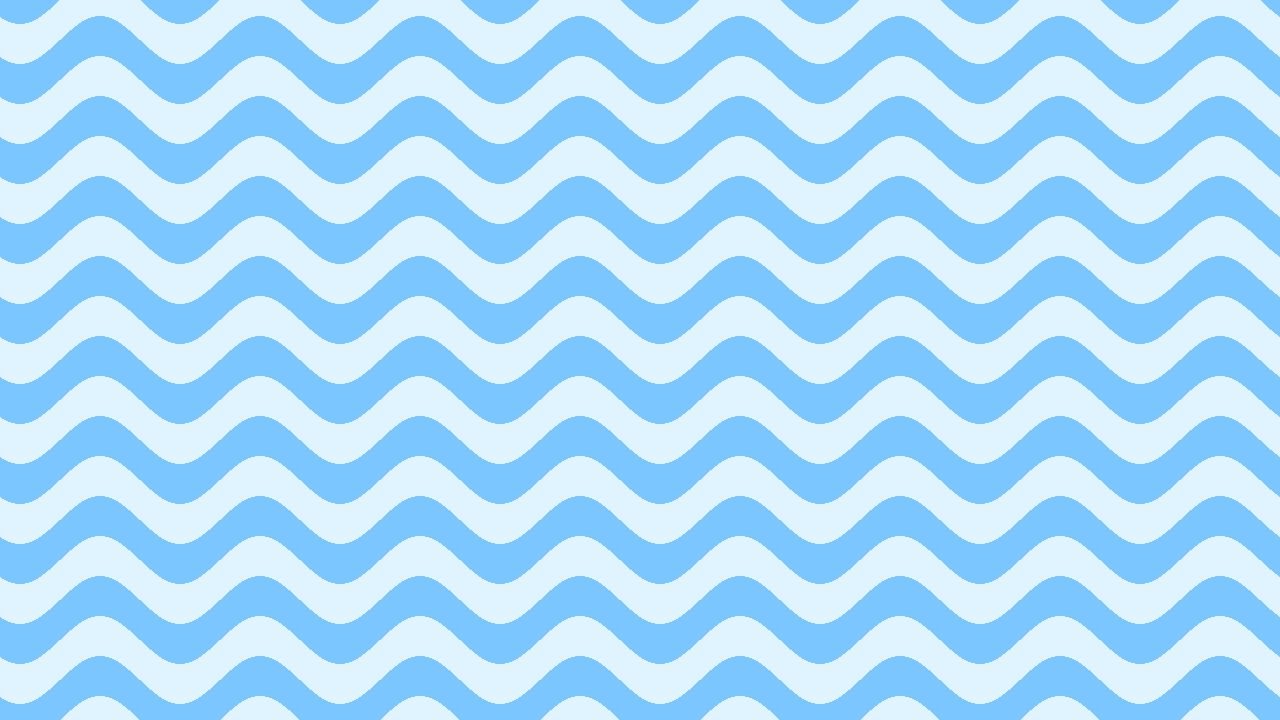
waves()
zigzag()
lightLeak()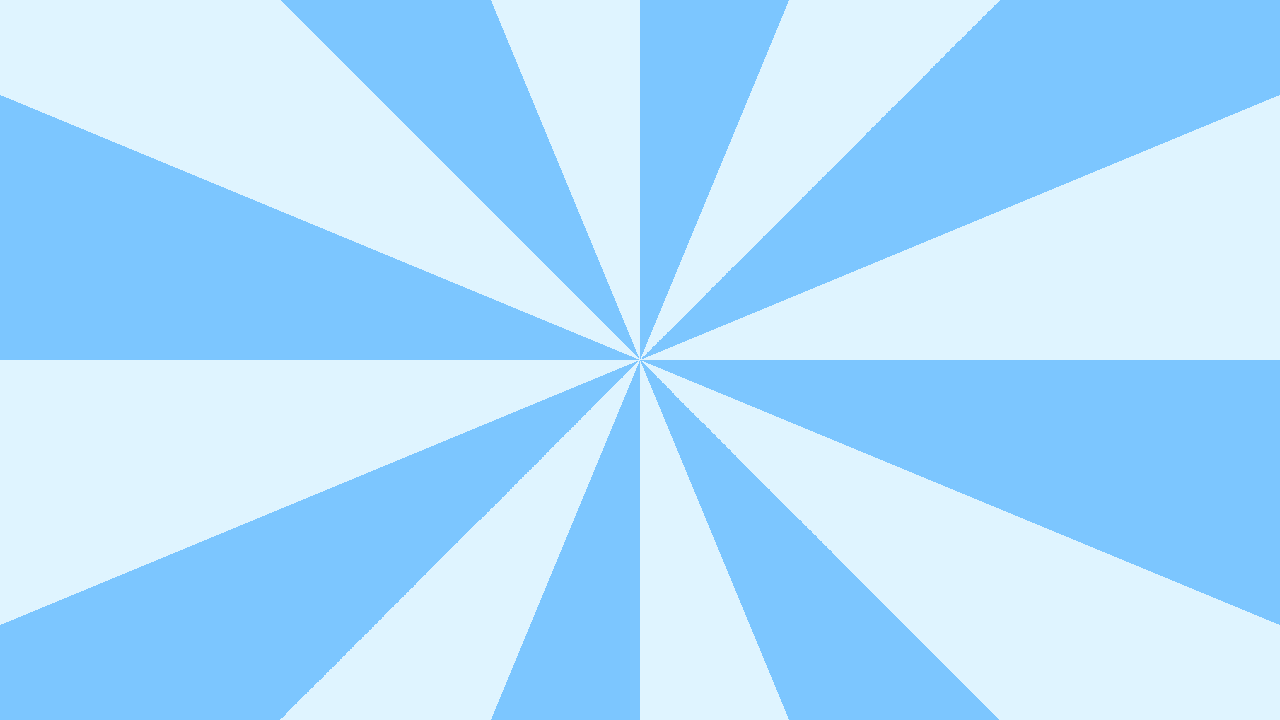
starburst()Visual editing in Studio
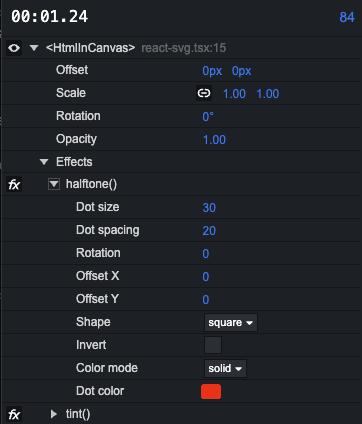
When you select a component with effects in Remotion Studio, you can edit effect parameters in the timeline and toggle effects.
Custom effects
To build your own effect, use createEffect(). It supports 2D Canvas APIs, WebGL2 and WebGPU, and creates an effect factory that can be passed to an effects array.